52 Basic Operations
Exchanging Data via NFC
Near Field Communication technology allows users to exchange data, such
as a contact or webpage, between NFC-enabled smartphones. An example
is the Browser.
1. Go to Apps > Settings > More, then turn on both NFC and Android
Beam.
In Starter mode: Apps > Settings > System > More > NFC and Android
Beam
2. Launch the Browser and open a webpage.
3. Bring the smartphone into contact with another smartphone back to
back.
4. Tap anywhere on the webpage. The same webpage is opened on the
other smartphone.
Note
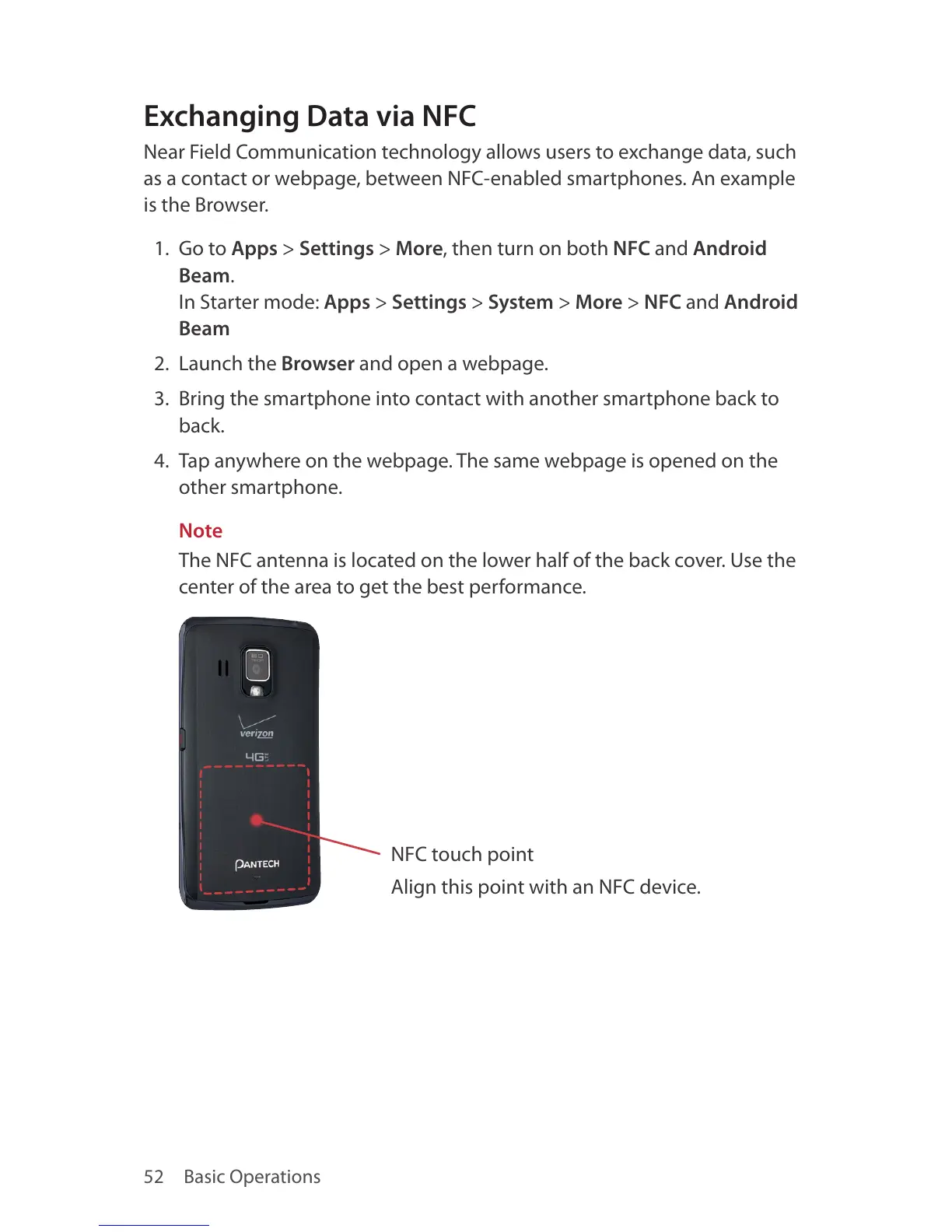
The NFC antenna is located on the lower half of the back cover. Use the
center of the area to get the best performance.
NFC touch point
Align this point with an NFC device.



 To Next Page