20 Getting Started
Finger Gestures
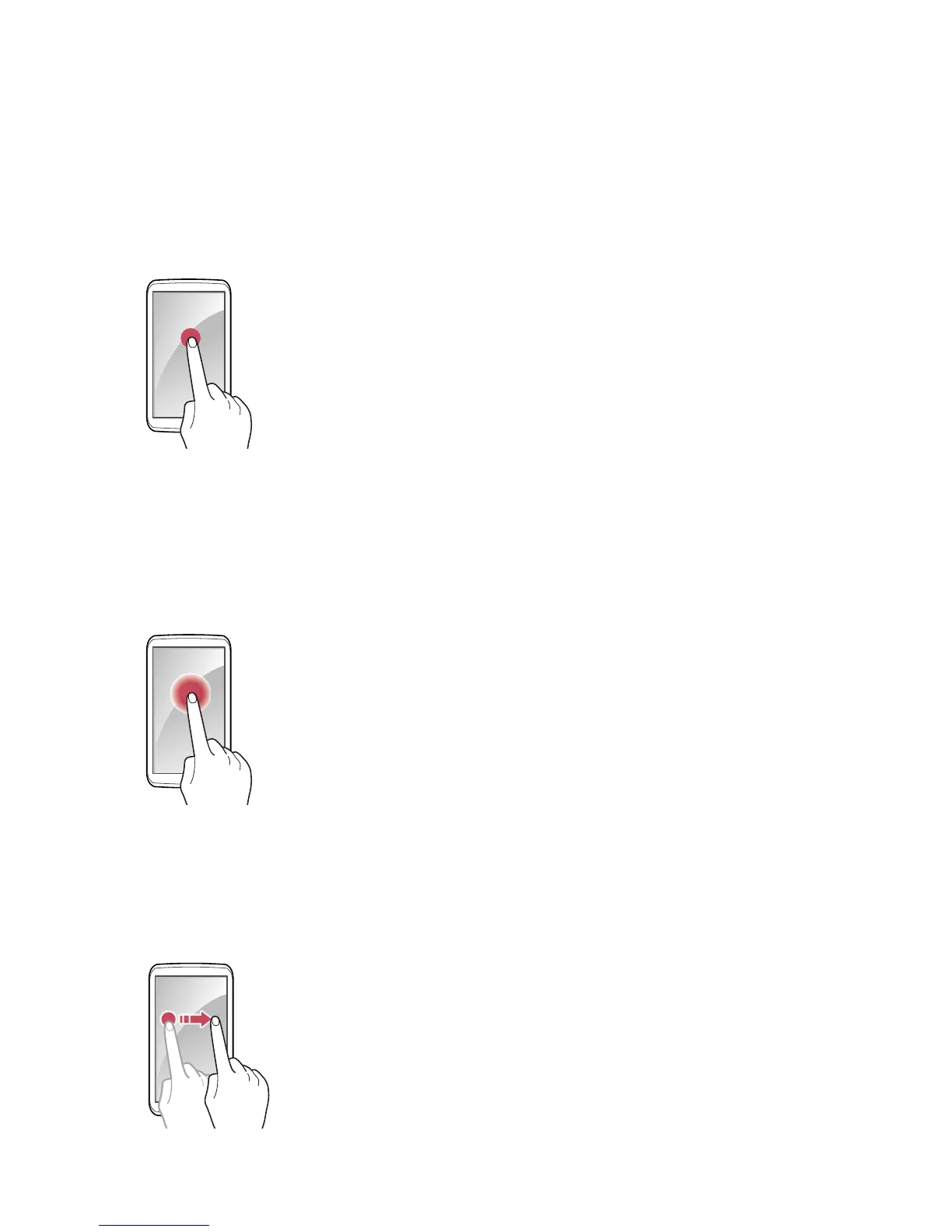
Tapping
To open an app, to select a menu item, to press an on-screen button, or to
type a letter using the on-screen keyboard, tap it with a finger.
Tapping and Holding
Actions such as dragging or scrolling requires a tap-and-hold action. To
perform this action, touch the screen with a finger and keep touching the
screen until the action is complete.
Dragging
To move an icon or thumbnail to a new location, tap and hold it, then drag it
to the target position.



 To Next Page