Internet 69
Scrolling
Scroll through long webpages by flicking the screen.
Zooming in often magnifies pages so that they are wider than the display
screen.
Standard versus Mobile Websites
Many websites offer a limited or smaller version when they detect a Browser
used on a smartphone or mobile device. Sometimes, the simpler versions
of these websites have reduced functionality. For example, simplified
sites often make it more difficult to enter information into forms or use
interactive services.
To see the regular version of the website, tap D > Request desktop site, and
the normal version appears, if it is available.
Full Screen Mode
Full screen mode allows more of a webpage to be visible on one screen.
Tap D > Settings > Labs.
• Quick controls: This hides not only the smartphone’s status bar but also
the Browser’s status bar.
• Fullscreen: This hides the smartphone’s status bar
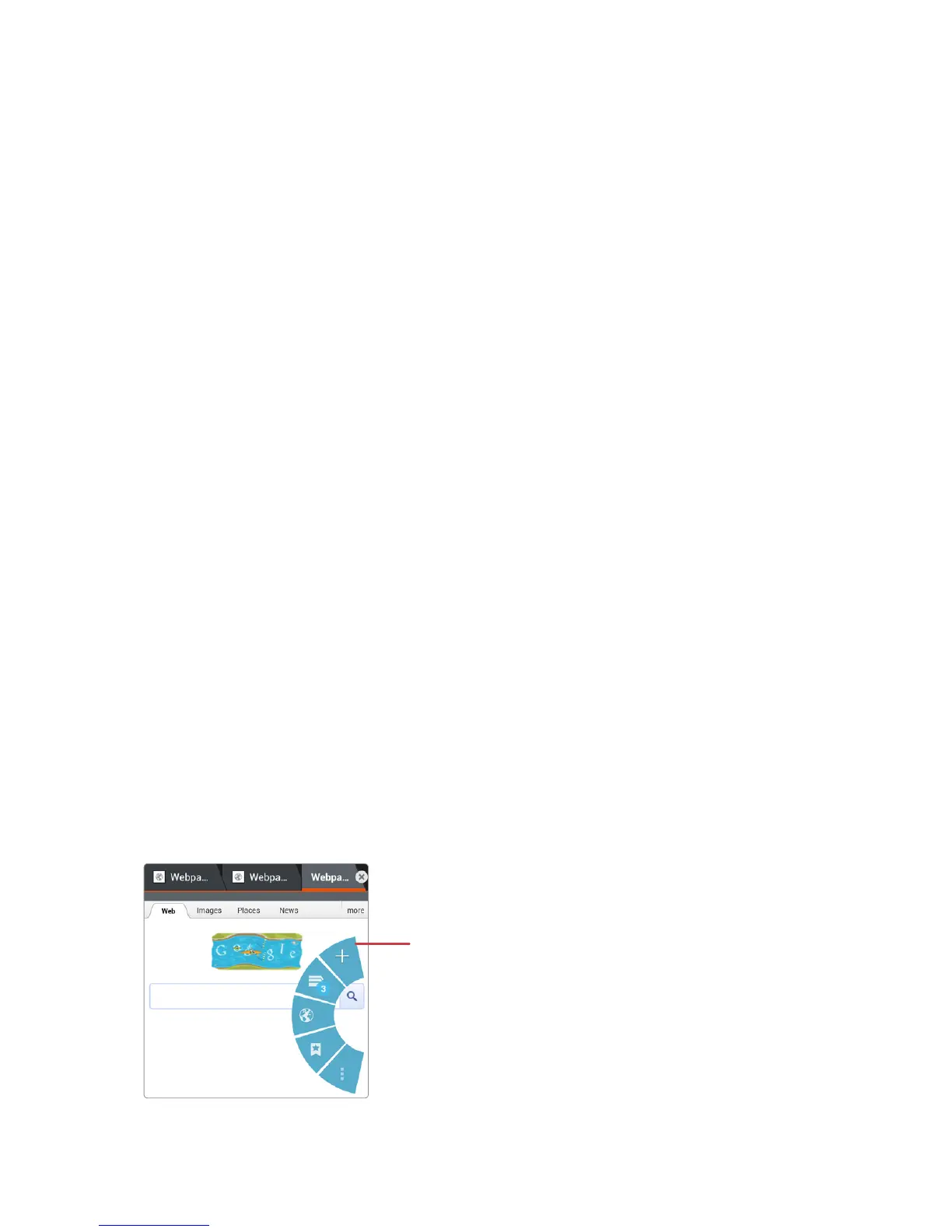
When the Quick controls option is on, to access the screen’s controls,
hold a finger or thumb over the left or right screen edge with a very slight
outward-inward motion. The regular menu options appear as icons in a
hemispherical menu. Slide the finger to the desired item.
Quick controls



 To Next Page