12
Getting Started
Product overview
Touch mode
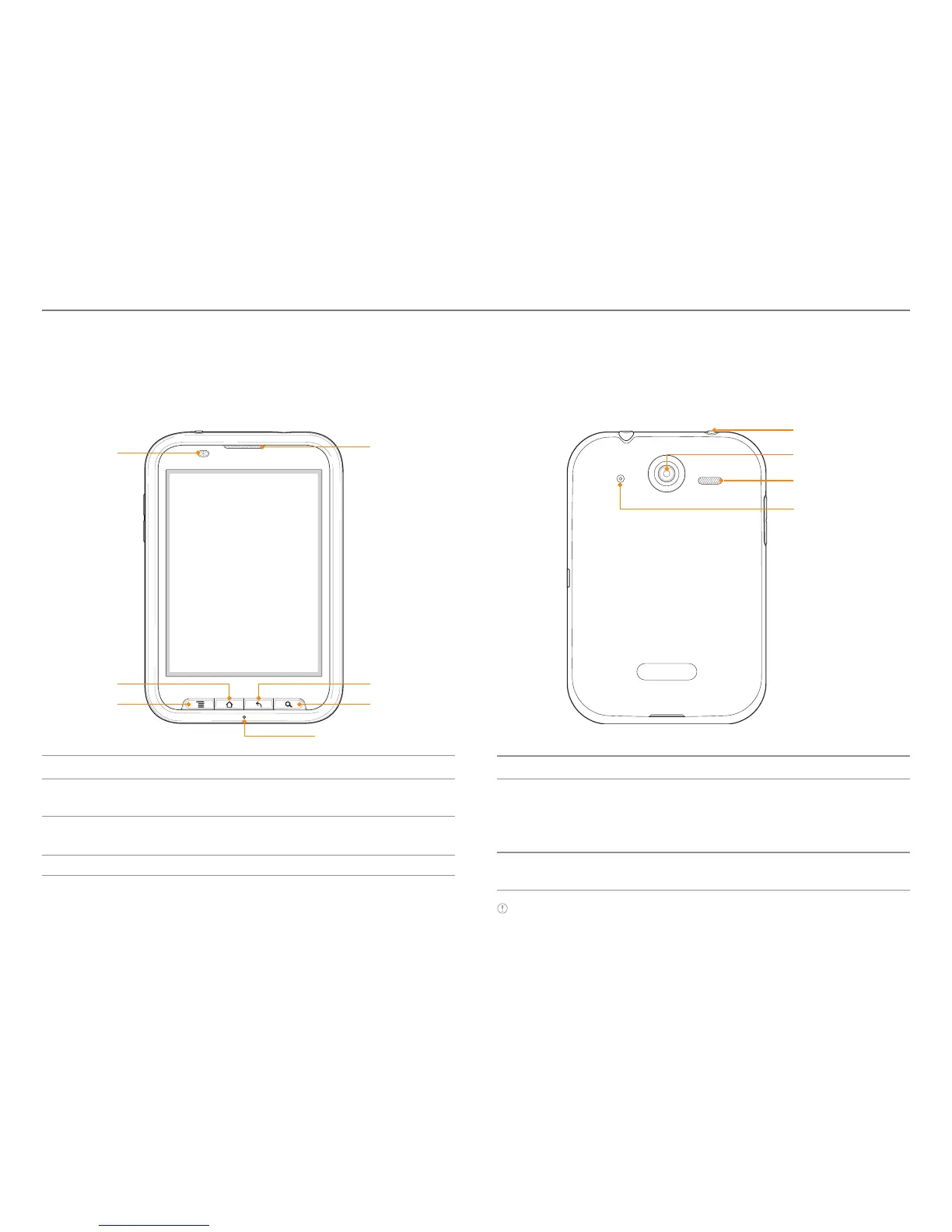
Front view Rear view
Key Function
BACK Ends an application; returns to the previous
menu
MENU Displays options available; rearranges the
home screen
LOCK/PWR Locks the screen; turns on/off the phone
Key Function
SEARCH Searches through the Internet; searches
applications, contacts and messages that are
saved; Searches with voice by pressing and
holding the button.
HOME Moves to the Home screen; turns on the
screen; manages applications that are running
Note Make sure not to cover the proximity sensor with the LCD
protection film. If the sensor is covered, you might experience
difficulties using the touch screen.
Earpiece
LOCK/POWER
Camera lens
Speaker
HOME
MENU
Proximity
Sensor
BACK
SEARCH
Front internal MIC
Rear internal
MIC



 To Next Page