56
Personal Information
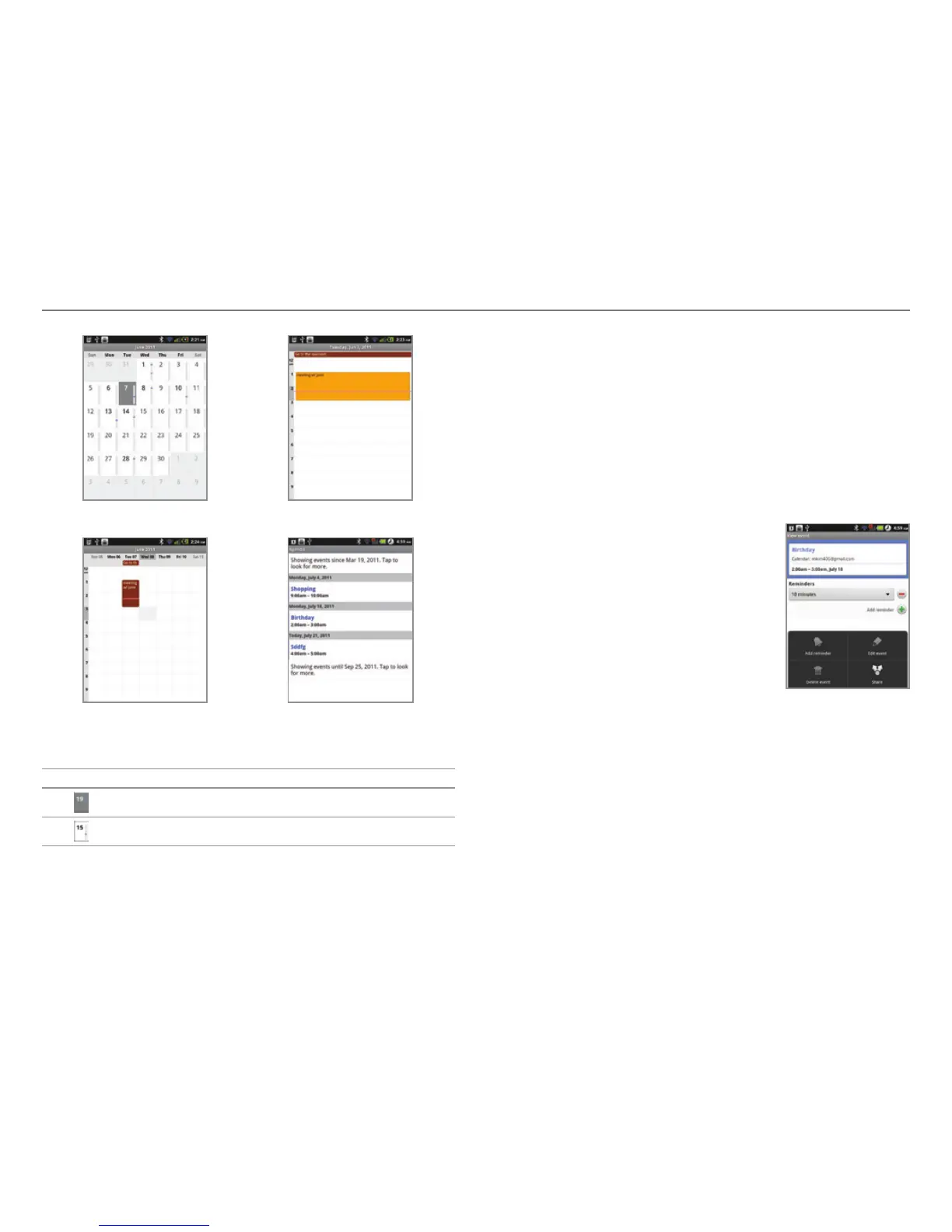
Monthly view Day view
Weekly view Agenda
Calendar icons
Icon Description
Today
Day with events
Setting reminders
1. Tap Calendar
from the applications menu
.
2. Press n and tap More > Settings.
3. Tap Set alerts & notifications and select and tap an option
if you want to change the notification method.
4. Tap Select ringtone if you want to set a specific ringtone
for calendar reminders, and select and tap one.
Editing events
1. Tap Calendar
from the applications
menu
.
2. Tap the day that you want to edit
events.
3. Press the event that you want to
edit.
4. Press n and tap Edit event.
5. Edit the details and tap Done.
Editing an event



 To Next Page