42
Entertainment
Note The screen moves to Applications if you do not touch the
screen or run the camera for two minutes.
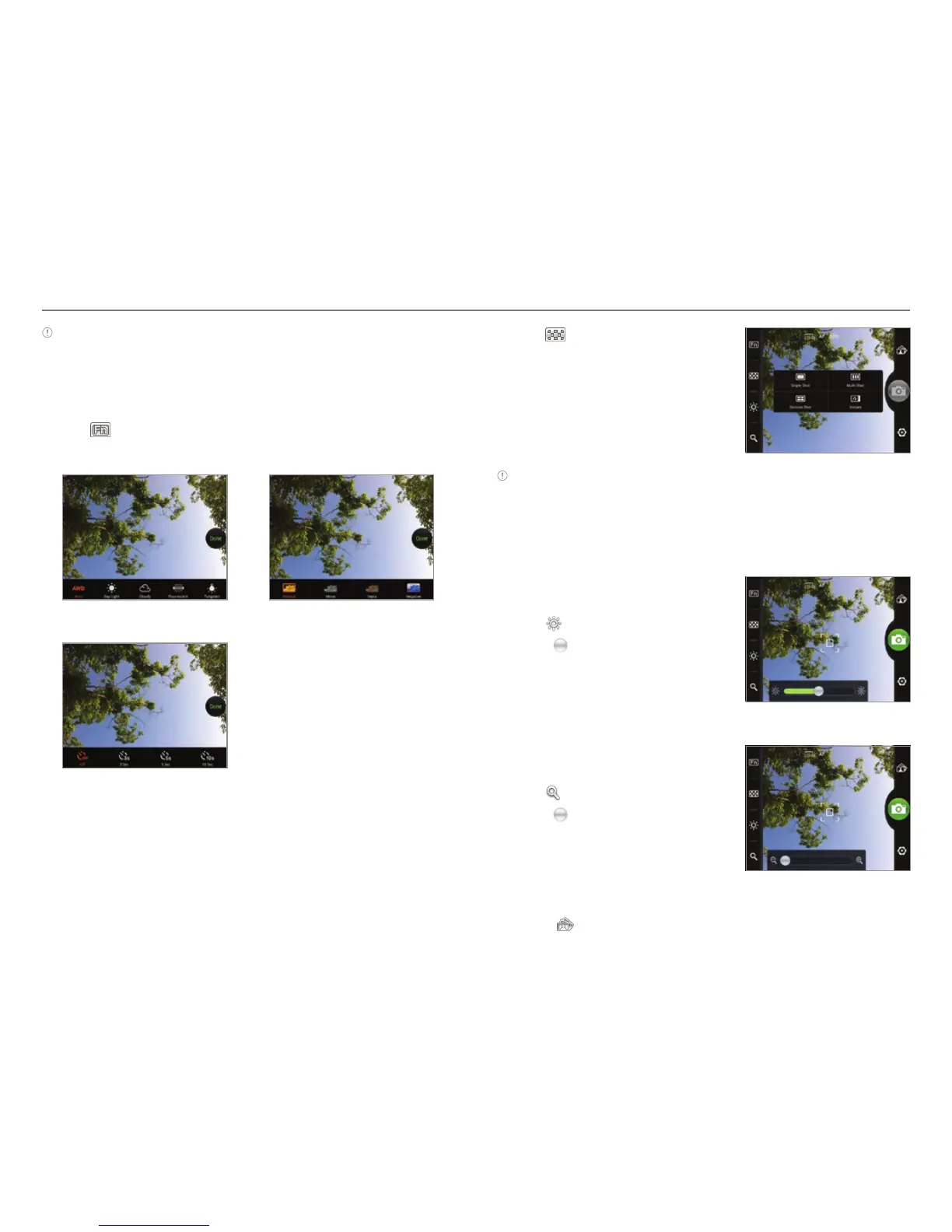
Adding special functions
1. Tap on the screen or press A while in the camera mode.
2. Tap
and select a special function you want to add.
3. Tap Done.
White Balance Filter
Timer
Adding special effects
1. Tap on the screen or press n while in the camera mode.
2. Tap
and select a special
function you want to add.
3. Tap Done.
Note When the phone turns off or exits in the camera mode, the
current effects setting returns to the default setting. The phone
automatically sets the photo resolution to 640x480 in the Multi,
Division, or Instant mode.
Adjusting brightness
1. Tap on the screen or press n
while in the camera mode.
2. Tap
.
3. Drag
to the left to reduce
brightness, or to the right to
increase brightness.
Zooming in/out
1. Tap on the screen or press n
while in the camera mode.
2. Tap
.
3. Drag
to the left to zoom out, or
to the right to zoom in.
Moving to Gallery
1. Press to move to Gallery.
2. Select a picture you want to view.



 To Next Page