98
Settings
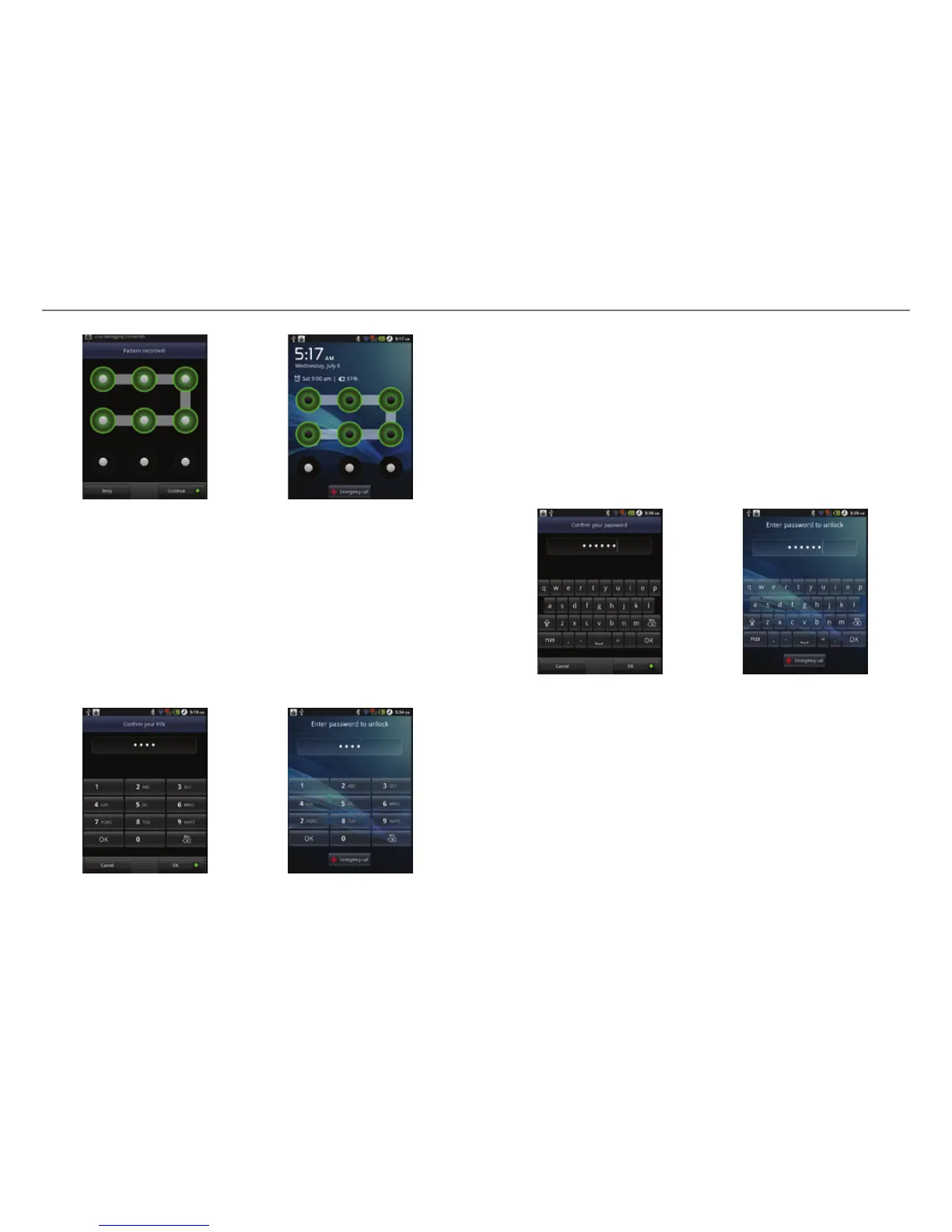
Setting the pattern lock Unlocking the pattern lock
Setting screen lock with a PIN
1. Tap Settings > Location & security > Set up screen lock >
PIN.
2. Enter numbers as PIN and tap Continue. The PIN should be
at least 4 characters.
3. Enter the numbers again to confirm.
4. Tap OK.
Setting PIN Entering PIN
Setting screen lock with a password
1. Tap Settings > Location & security > Set up screen lock >
Password.
2. Enter your password and tap Continue. The password
should be at least 4 characters and include at least one of
alphabet letters.
3. Enter the password again to confirm.
4. Tap OK.
Setting the password lock Unlocking the password lock



 To Next Page