Maintenance
4-27
3160-A2-GB21-80
March 1999
Starting a Data Channel Loopback
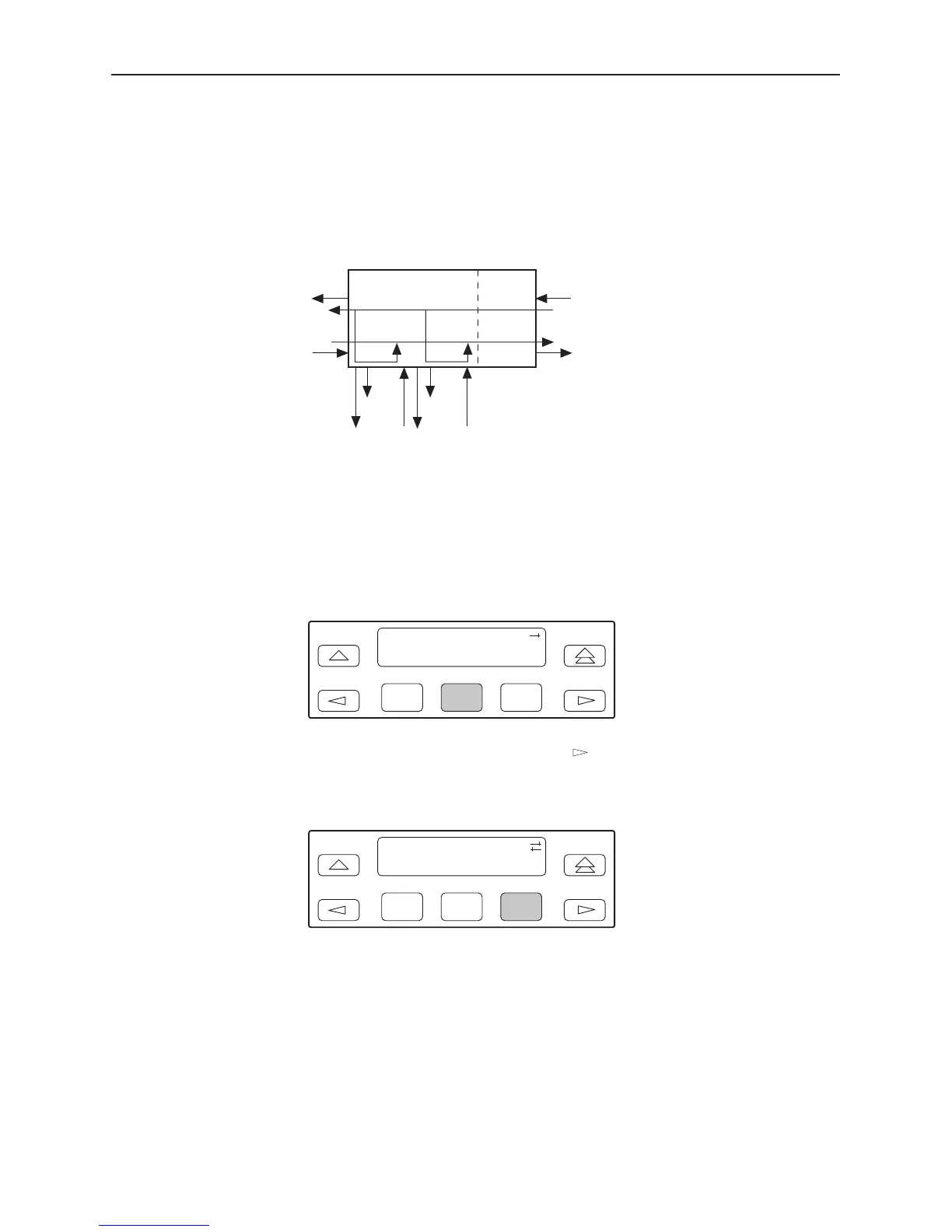
The Data Channel Loopback command (DCLB) loops the data received from the
network interface, for all DS0 channels allocated to the selected port, back to the
network. The loopback occurs after the data passes through the port circuitry but
before it is sent out the data port.
496-14315-02
CSUDSU
NETWORK
INTERFACE
DTE
(DSX-1)
DCLBDCLB
PORT 1PORT 2
ALL 1sALL 1s
Procedure
To perform a Data Channel loopback:
1. From the top-level menu screen, select Test.
2. From the Test screen, select Lpbk.
F1
Test:
Rlpbk Lpbk Ptrns
F2
F3
3. From the Loopback screen, press the key until the DCLB selection
appears on the screen.
4. Select DCLB.
F1
Loopback:
DLB RLB DCLB
F2
F3



 To Next Page