Maintenance
4-34
3160-A2-GB21-80
March 1999
Aborting Test Patterns
Use the Abort command to stop all test patterns or any selected test pattern
active on the DSU/CSU.
Procedure
To abort test patterns:
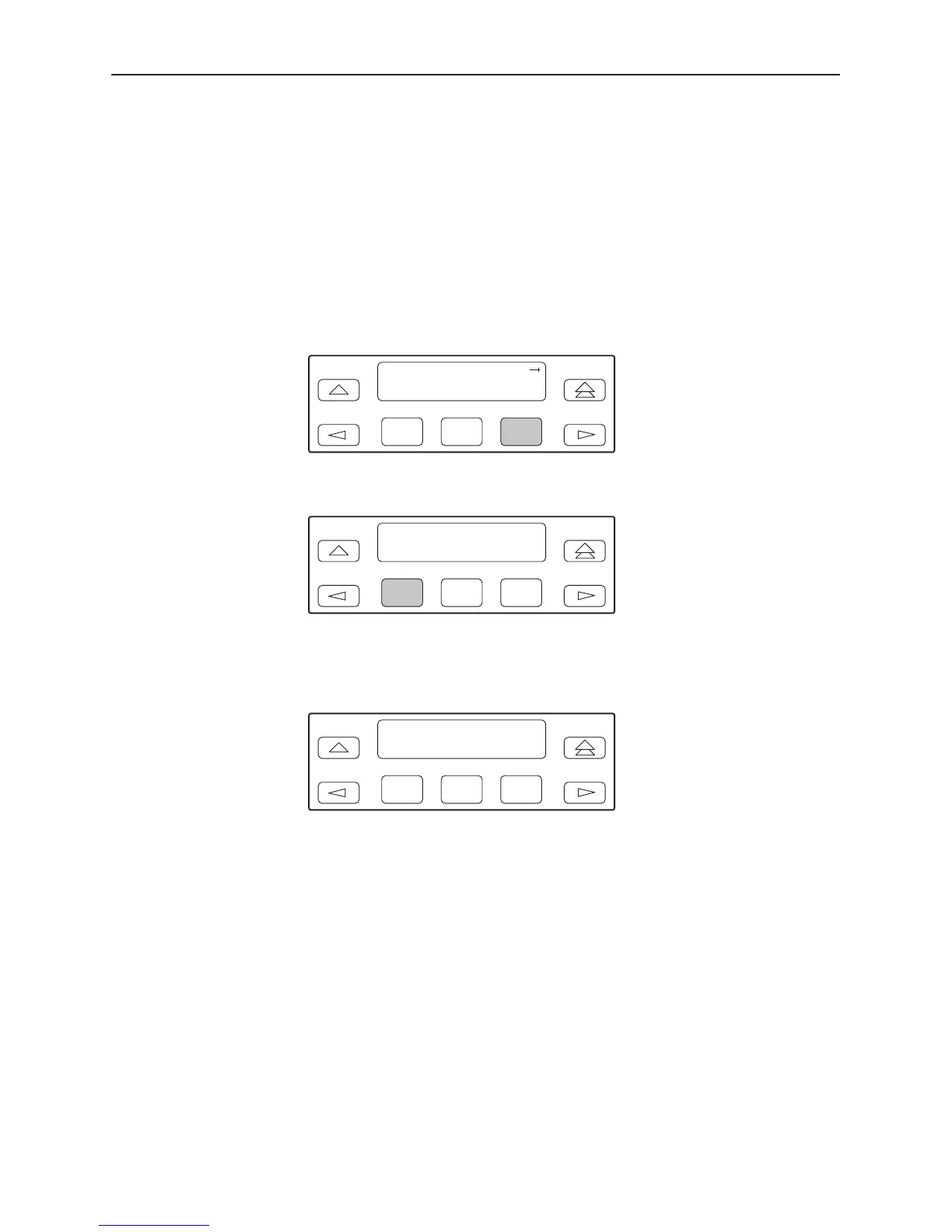
1. From the top-level menu screen, select Test.
2. From the Test screen, select Ptrns.
F1
Test:
Rlpbk Lpbk Ptrns
F2
F3
3. From the Patterns screen, select Abort.
F1
Patterns:
Abort Send Mon
F2
F3
4. From the Patterns Abort screen, press the desired Function key to abort
either All active test patterns, active Send test patterns, or the active Monitor
(Mon) test pattern.
F1
Patterns: Abort
All Send Mon
F2
F3
If you select All, the DSU/CSU terminates all active test patterns and displays
the message Command Complete. Skip Step 5.
NOTE:
If you mistakenly choose to abort a test pattern that is not currently
running, a Command Complete message still displays and the test
pattern currently active still runs. Use the TStat branch to view the test
status to determine if the abort was successful.



 To Next Page