Operation
3-3
3160-A2-GB21-80
March 1999
Keypad
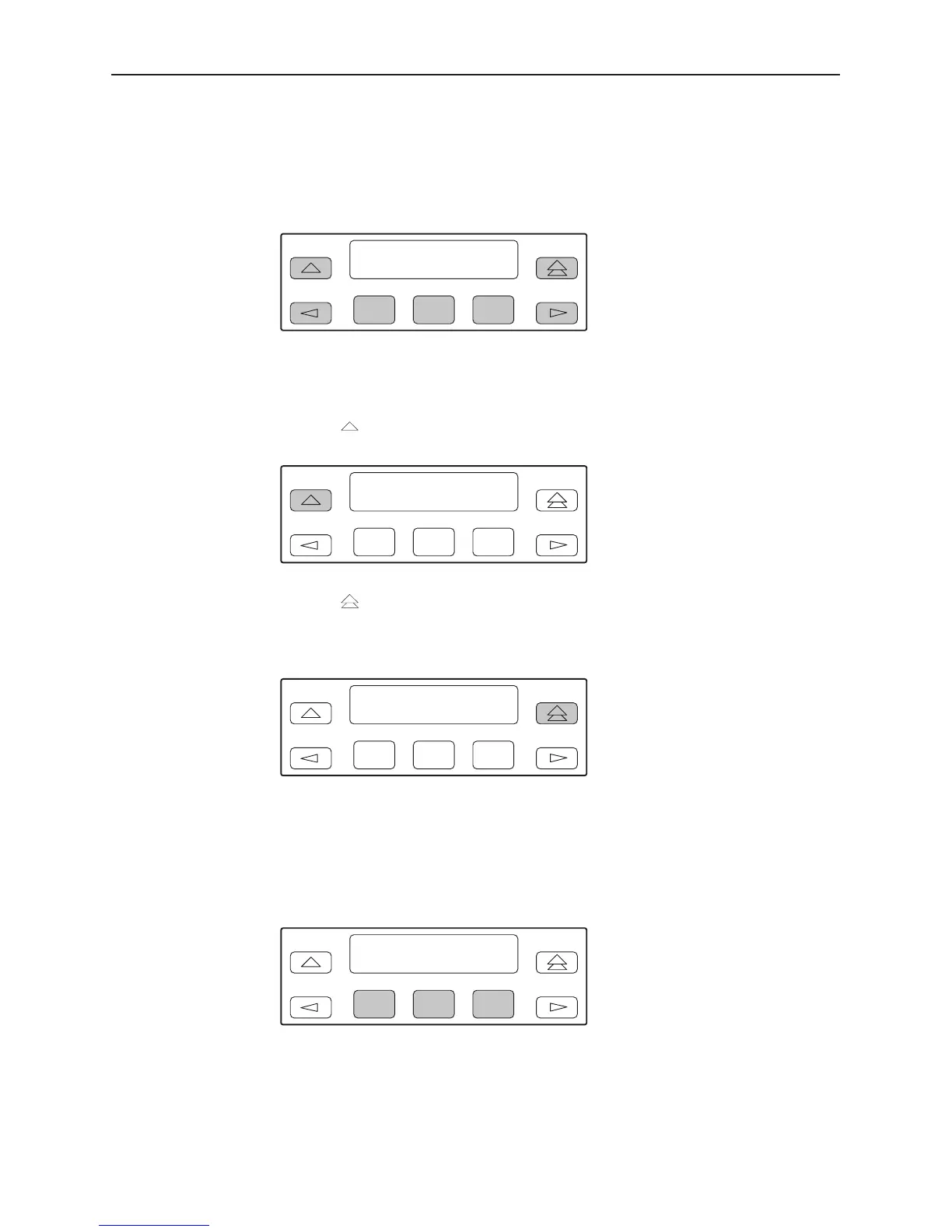
The 7-button keypad (Figure 3-3) enables you to navigate through the menu tree
and select choices presented on the second line of the LCD.
F1 F2
F3
Figure 3-3. Keypad
Use the key to move up the menu.
F1 F2
F3
Use the key to exit any part of the menu in which you may be operating. You
immediately return to the top-level menu screen shown on the front panel menu
(see Appendix A,
Front Panel Menu
).
F1 F2
F3
Use the Function (F1, F2, F3) keys to make selections from the choices
presented on the second line of the LCD. When this line presents choices, it is
generally divided into three sections, each displayed directly above one of the
Function keys. When your choice appears above one of the Function keys, press
that key to select that choice.
F1 F2
F3



 To Next Page