Operation
3-12
3160-A2-GB21-80
March 1999
Selecting the DTE Drop/Insert or Data Port for LED
Display
Use the LED command on the Control branch to select which port’s (DTE
Drop/Insert or data port) status appears on the five shared LEDs on the front
panel.
Procedure
To select a port for LED display:
1. From the top-level menu screen, press the key until the Ctrl selection
appears on the screen.
2. Select Ctrl.
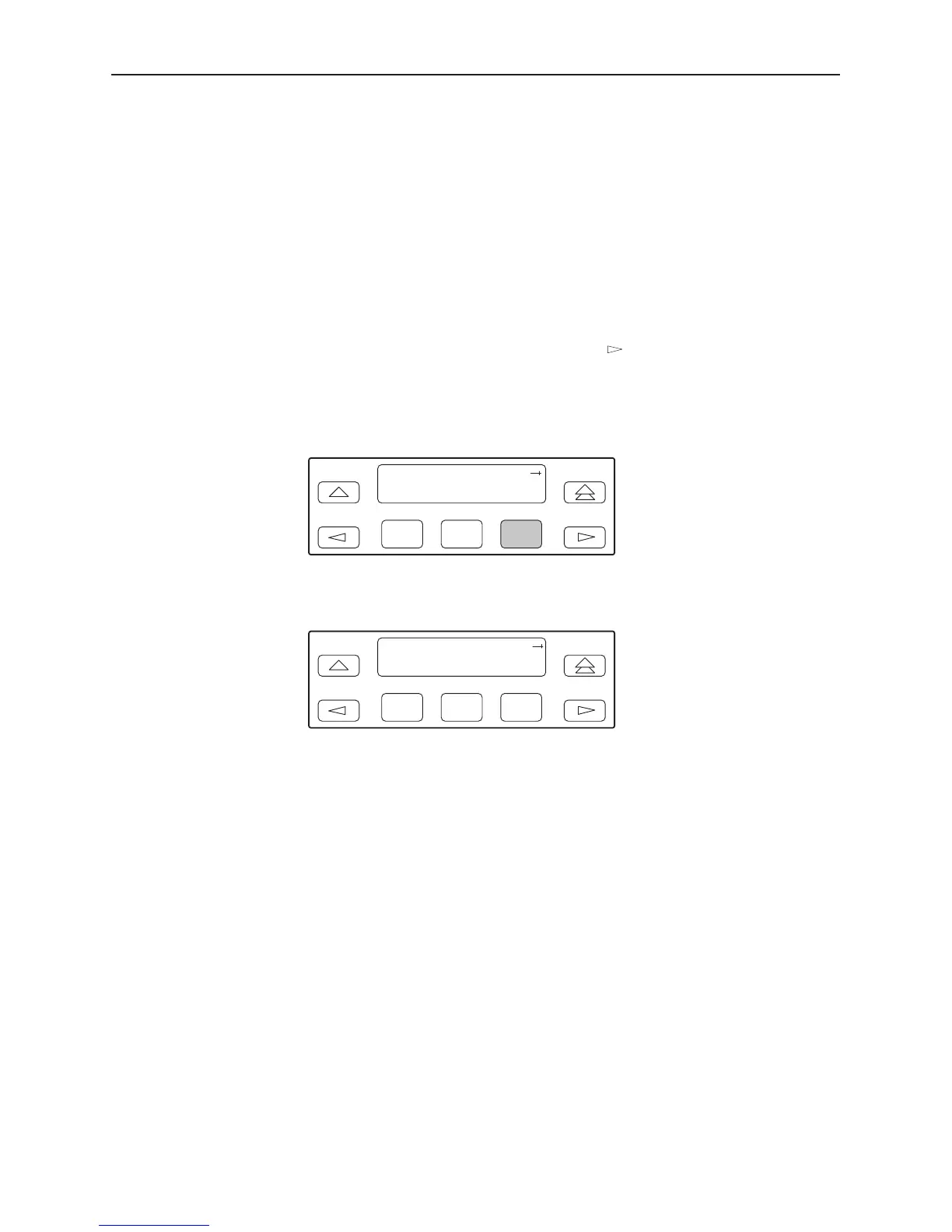
3. From the Control screen, select LED.
F1
Control:
Call Rel LED
F2
F3
The currently selected port name appears on the top line of the LCD. DTE
indicates the DTE Drop/Insert (DSX-1) port.
F1
LED Dsply: DTE
DTE Prt1 Prt2
F2
F3
4. From the LED Dsply screen, press the Function key that corresponds to the
DTE Drop/Insert (DSX-1) or data port for which you want the LEDs to display.
Use the scroll keys, if necessary.
Select DTE to monitor the DTE Drop/Insert (DSX-1) port’s SIG, OOF, ALRM,
PDV, and BPV status signals on the shared LEDs.
Select a particular data port to monitor the data port’s DTR, TXD, RXD, CTS,
and RTS control signals on the shared LEDs.



 To Next Page