Installation
2-9
3160-A2-GB21-80
March 1999
Power-Up Self-Test
After you connect the DSU/CSU to a power source, the unit performs the
power-up self-test to ensure that it is in good working order. The DSU/CSU
performs this test on itself upon power-up or after a device reset, unless it has
been disabled by the Self-Test configuration option (see Appendix C,
Configuration Options
).
The self-test includes a basic processor test, a limited memory test, a code
checksum test, and basic verification tests of the internal components. The front
panel LCD displays the progress and pass/fail status of these power-up tests.
The power-up self-test consists of the following steps:
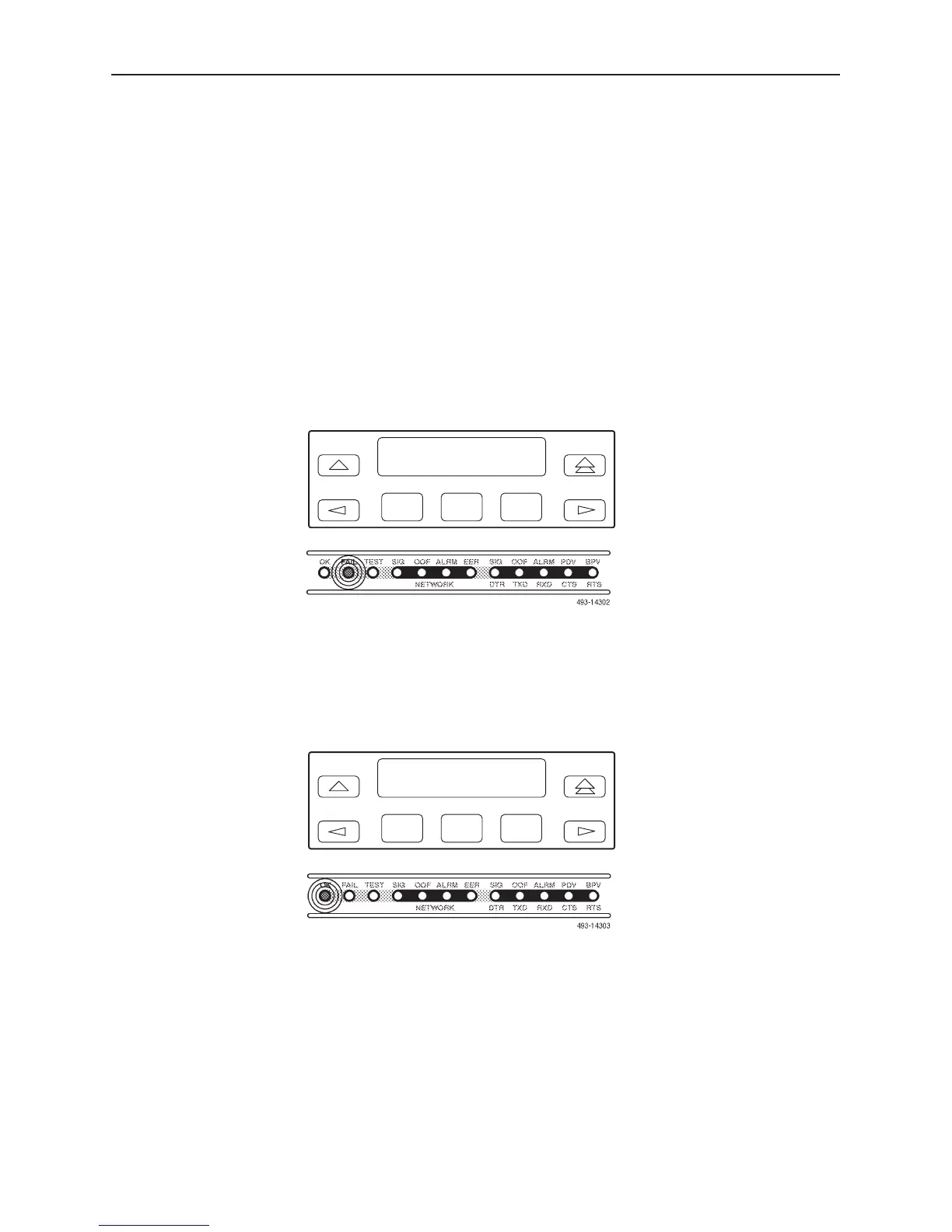
1. Once the DSU/CSU is plugged in, the In Progress screen appears and the
Fail LED blinks ON and Off continuously.
F1
Self-Test:
In Progress
F2
F3
2. All the LEDs then start to flash simultaneously in the pattern twice ON, then
Off. Then, the LCD begins to flash characters and numbers in the same
pattern, alternating with the flashing LEDs.
3. If the self-test is successful, the Passed screen appears for one second, the
Fail LED turns Off and the OK LED lights.
F1
Self-Test:
Passed
F2
F3



 To Next Page