Operation
3-53
3160-A2-GB21-80
March 1999
Releasing the Active User Interface
To release the current active user interface, either allow five minutes to elapse
without pressing any key or use the Release command.
Procedure
To use the Release command:
1. From the top-level menu screen, press the key until the Ctrl selection
appears on the screen.
2. Select Ctrl.
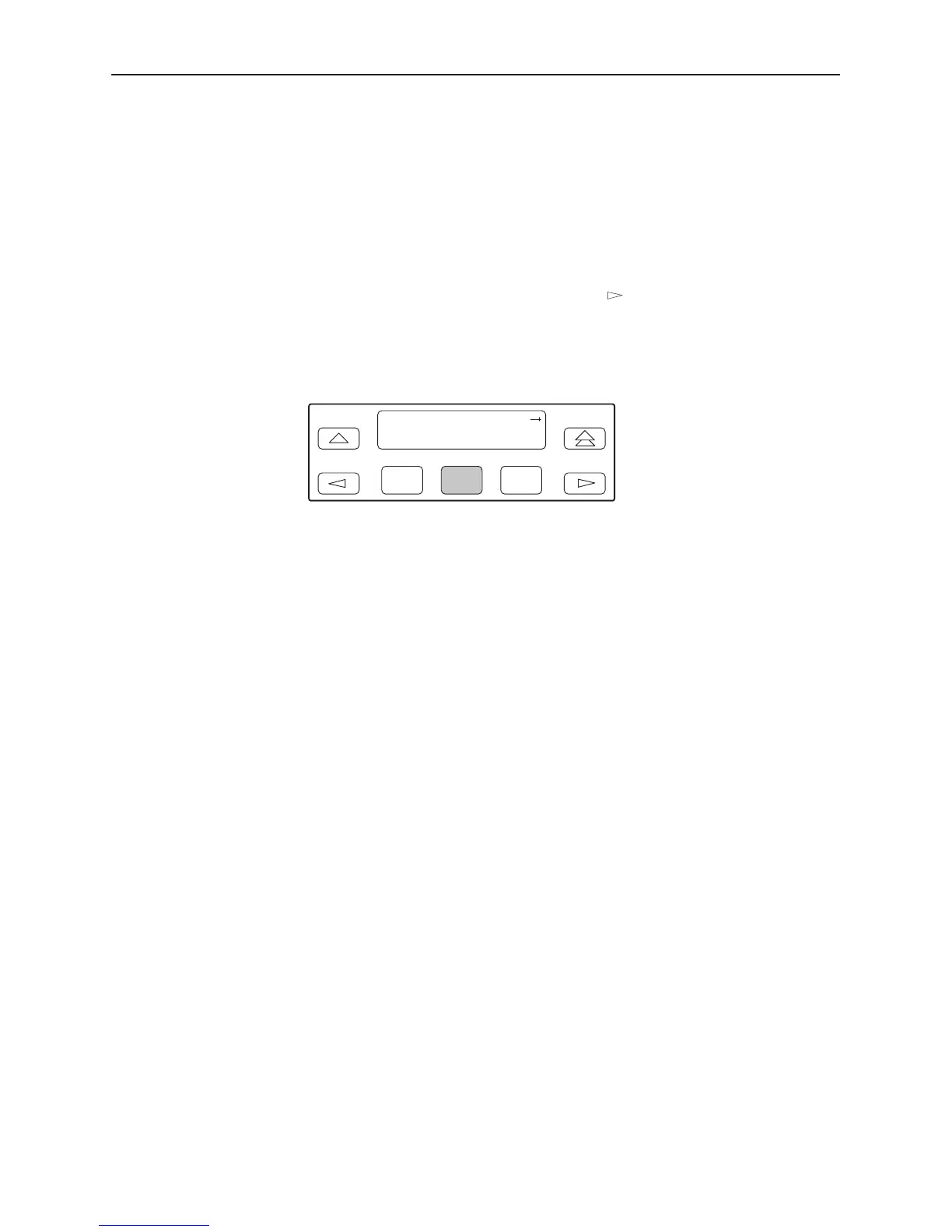
3. From the Control screen, select Rel (Release).
F1
Control:
Call Rel LED
F2
F3
The active user interface is released. The message Released appears. No
user interface is active until input is received from a user interface.



 To Next Page