Operation
3-65
3160-A2-GB21-80
March 1999
Resetting the DSU/CSU
Use the Reset command to perform a power-on reset of the DSU/CSU.
Procedure
To reset the DSU/CSU:
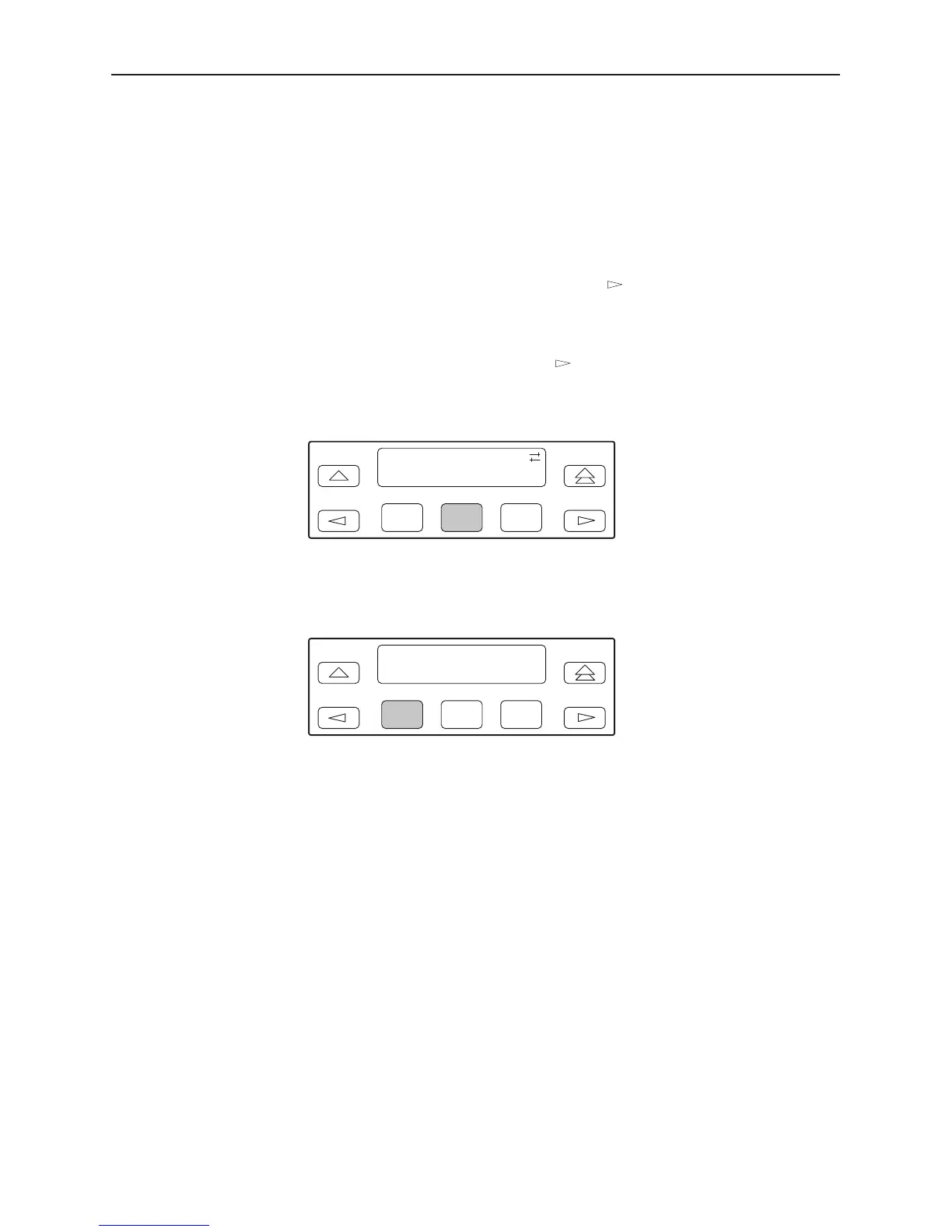
1. From the top-level menu screen, press the key until the Ctrl selection
appears on the screen.
2. Select Ctrl.
3. From the Control screen, press the
key until the Reset selection appears
on the screen.
4. Select Reset.
F1
Control:
ClrReg Reset
F2
F3
5. From the Device Reset screen, press F1 to initiate a reset of the DSU/CSU
(the power-up sequence screen appears). Press F2 instead to return to the
Control screen without initiating a reset.
F1
Device Reset:
Yes No
F2
F3
Download Operations
NOTE:
The Download command is for use by service personnel only. Loss of primary
data could result from improper use.



 To Next Page