Operation
3-22
3160-A2-GB21-80
March 1999
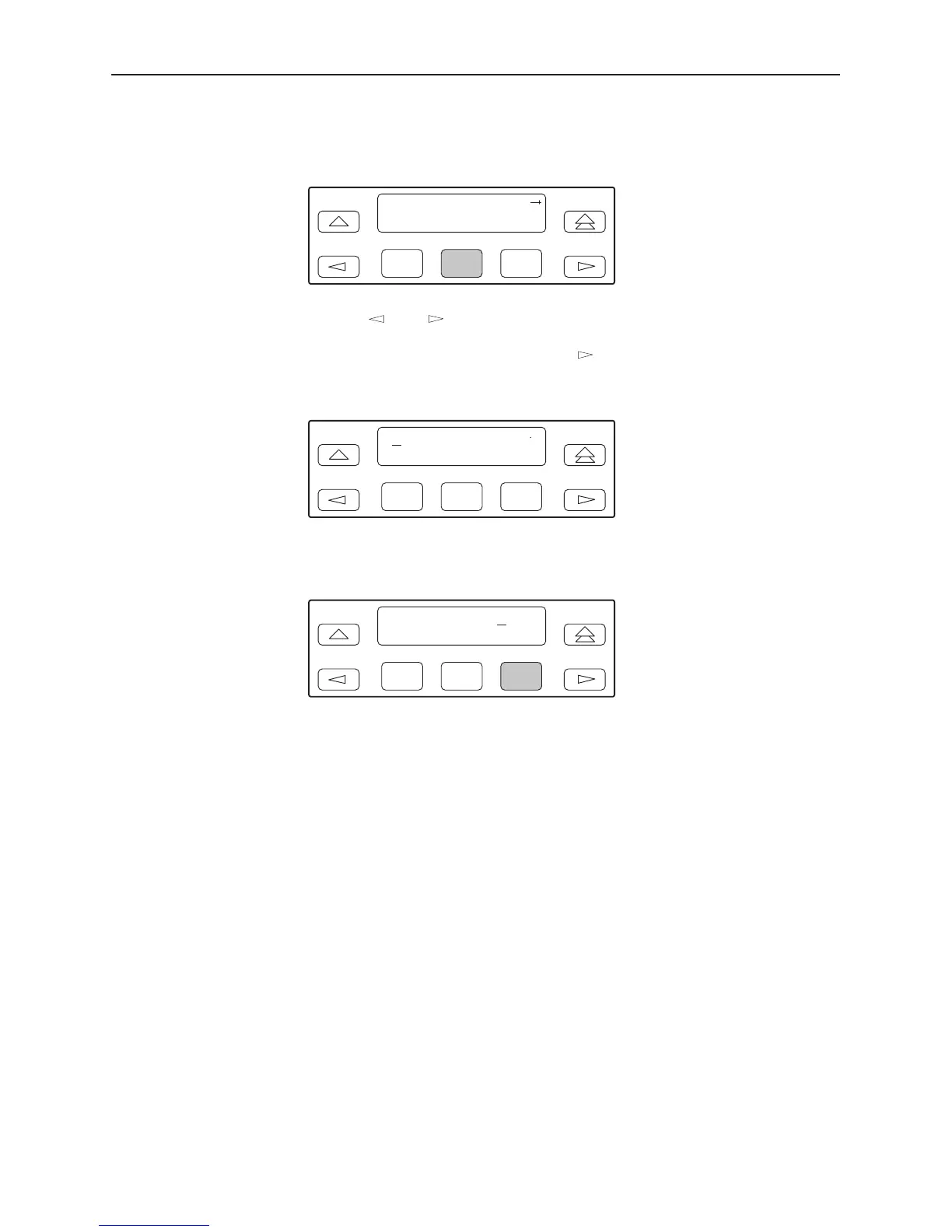
8. Press F2 (Edit) to edit the IP address. You have the option of using F3 (Clear)
to reset the IP address to the factory default
000.000.000.000
.
F1
Com IP Adr:
Next Edit Clear
F2
F3
9. Use the and keys to position the cursor under the digit you want to
change. Press F1 (Up) to increment the digit or F2 (Down) to decrement the
digit. In this example, you would press once to place the cursor under the
middle digit in the first digit field, then press F1 (Up) once to change the 0 to
a 1. Continue in this manner to change the other digits.
F1
000.000.000.000
Up Down Save
F2
F3
10. When you are through changing the IP address, you must press F3 (Save) to
save the value. Otherwise, the original value will be retained.
F1
010.155.111.222
Up Down Save
F2
F3



 To Next Page