Chapter 3: Starting Your PowerStation PowerStation Connectors
PA PowerStation User Guide 3-11
To Print to a Port Configured for Downloading
If you plan to print to a port that is configured for downloading, you will
need to reconfigure the port before you can print to it. To reconfigure the
port, complete the following steps:
1 Disable downloading for that port.
2 Restart the PA PowerStation.
Note Restarting the PowerStation allows MODE.COM to reset the
communication settings for that port.
3 Select Settings from the Main Menu.
4 Choose TCP/IP from the selections displayed.
5 Select Net Setup from the menu.
Important The configuration may already be set to Download Only.
If not, continue with step 6. Otherwise, skip to step 8.
6 Depending on how your PA PowerStation is configured, select the
appropriate Net (Net 1, Net 2, or Net 3).
7 Choose Download Only from the options displayed.
8 Continue to Back out until you reach a prompt that indicates the
TCP/IP configuration has changed and asks whether you want to
Reboot.
9 Choose Yes to reboot the PA PowerStation. This will save your
changes.
Ethernet Port
The PA PowerStation has an Ethernet RJ45 port with an Intel 82551ER
10/100 Mbps base-T controller that allows you to connect the PowerStation
to a Local Area Network.
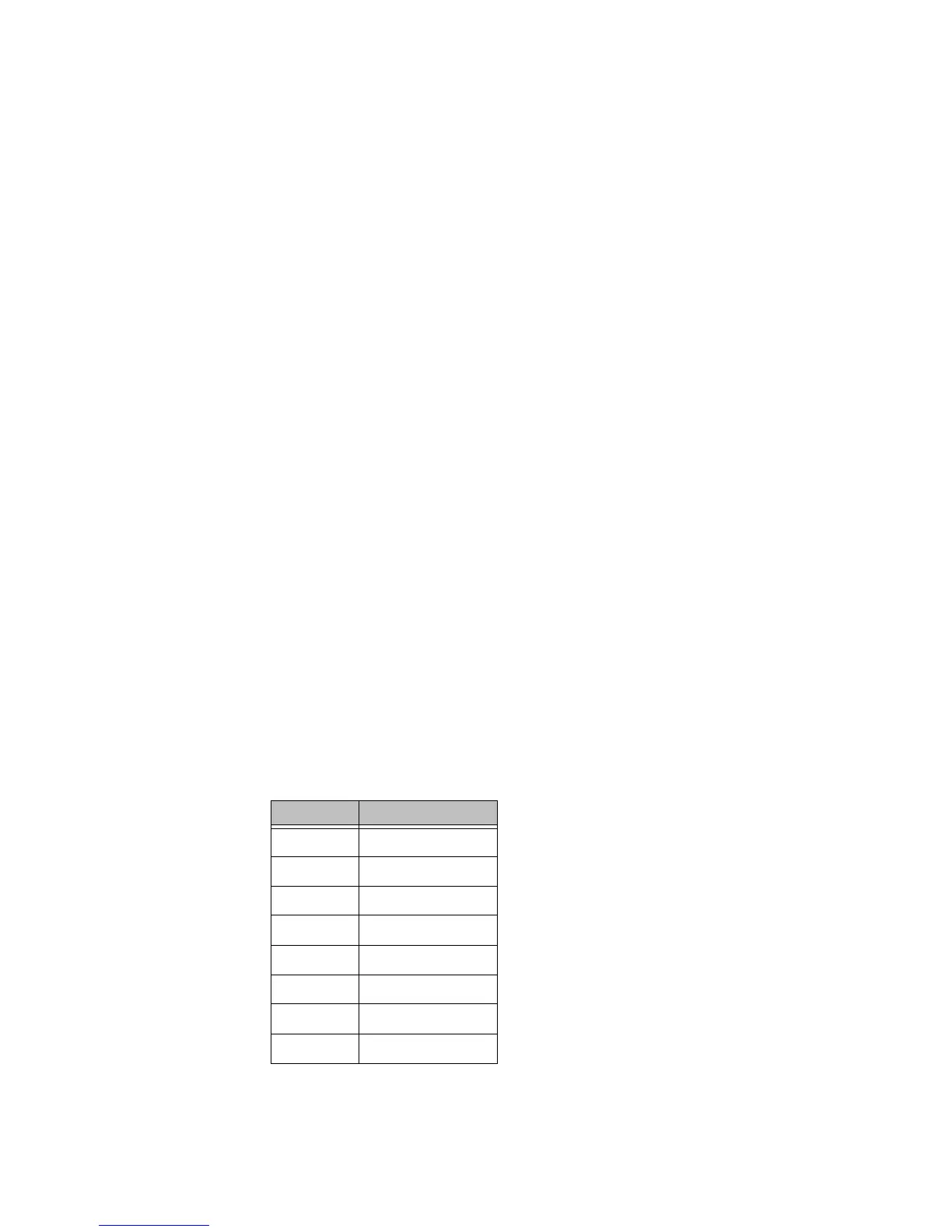
Table 3-4: Ethernet Pinouts
Pin# Signal
1TX+
2TX-
3RX+
4N/C
5N/C
6RX-
7N/C
8N/C



 To Next Page
 Loading...