- Work
- At work
- Office
- At office
- At the office
- Mobile
- Cellular
- Cell
- On mobile
- On cellular
- On cell
- On mobile phone
- On cellular phone
- On cell phone
- Mobile phone
- Cellular phone
- Cell phone
- Other
- General
- Default
- Preferred
You can combine several words from the list above to make a call. For instance, « call ‘Paul’», «
call ‘Paul’ on mobile phone », or just « Paul cellphone».
Calling a contact from the phonebook
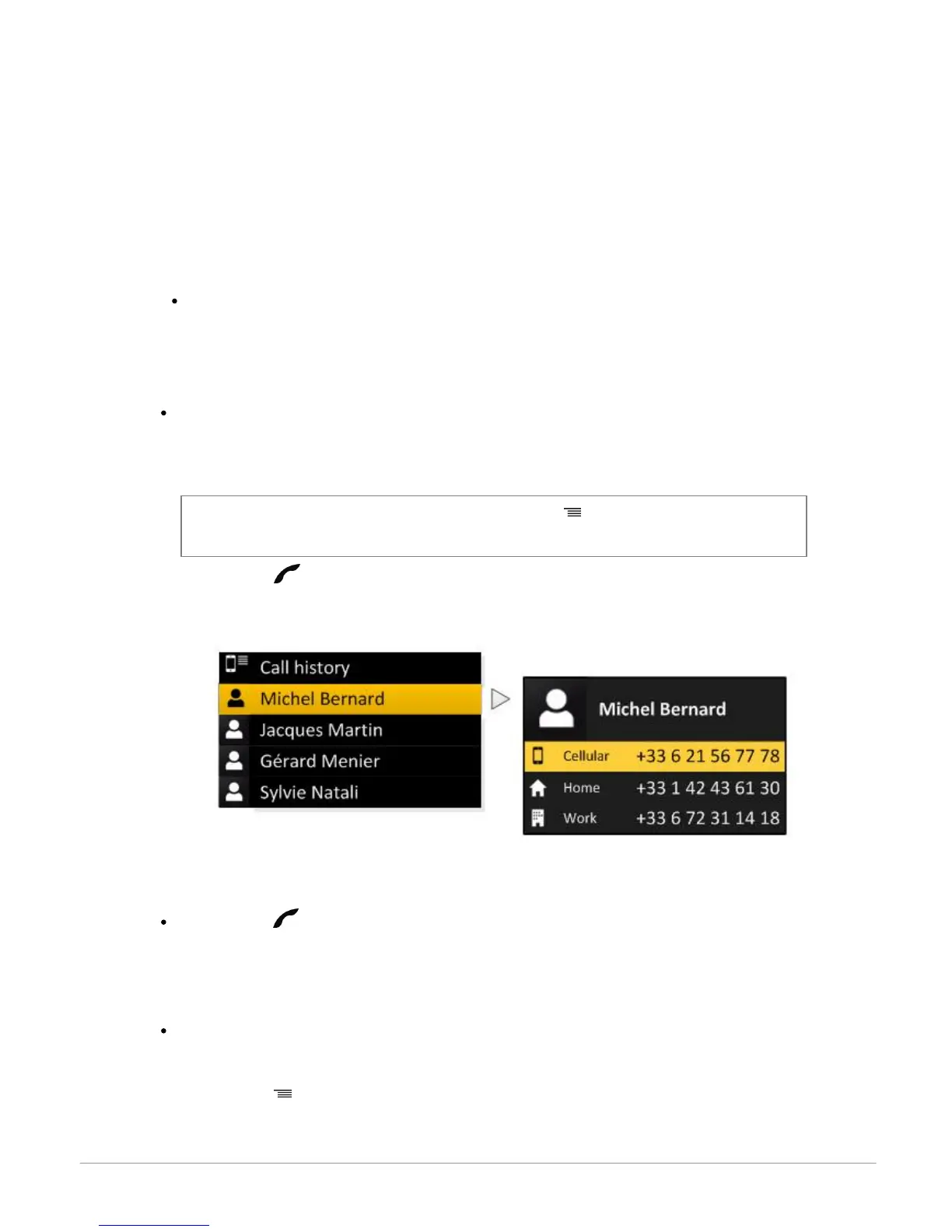
To make a call manually:
1. Select Phonebook.
2. Select the contact.
Note : To browse your phonebook more easily, press the button and select the first letter of
the contact you want to call.
3. Press the to call this contact or use the jog wheel to choose between different numbers
of the same contact.
Bringing up the last dialled number
Hold down the button to redial the last dialled number.
Dialling a number
To dial a number:
1. Select Phonebook.
2. Press the button and select Dial.
3. Select a number using the jogwheel and press the jogwheel to confirm.



 To Next Page