15
Settings
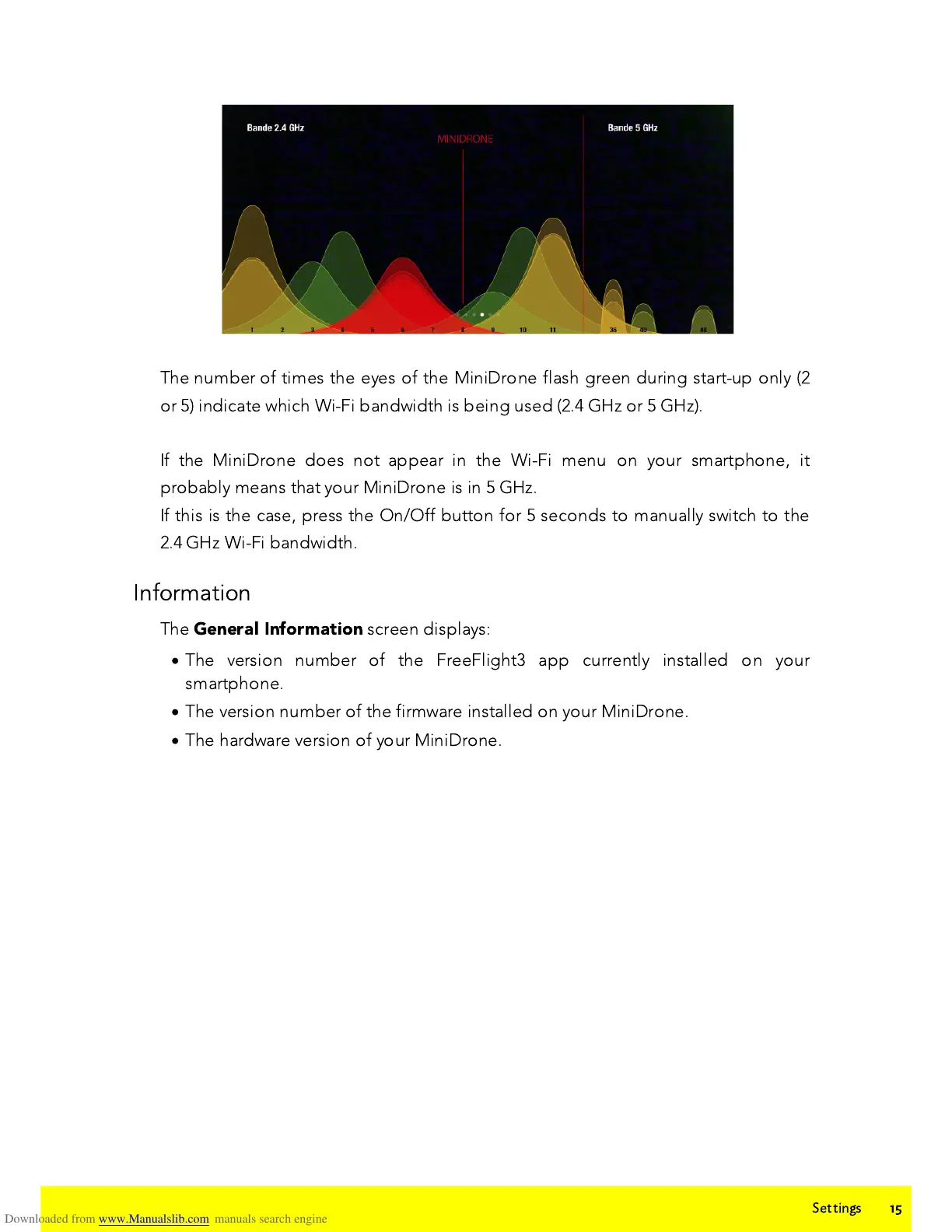
The number of times the eyes of the MiniDrone flash green during start-up only (2
or 5) indicate which Wi-Fi bandwidth is being used (2.4 GH
z
or 5 GH
z
).
If the MiniDrone does not appear in the Wi-Fi menu on your smartphone, it
probably means that your MiniDrone is in 5 GH
z
.
If this is the case, press the On/Off button for 5 seconds to manually switch to the
2.4 GH
z
Wi-Fi bandwidth.
Information
The
General Information
screen displays:
·
The version number of the FreeFlight3 app currently installed on your
smartphone.
·
The version number of the firmware installed on your MiniDrone.
·
The hardware version of your MiniDrone.















 To Next Page