4
Before getting started
Before getting started
Charging the battery
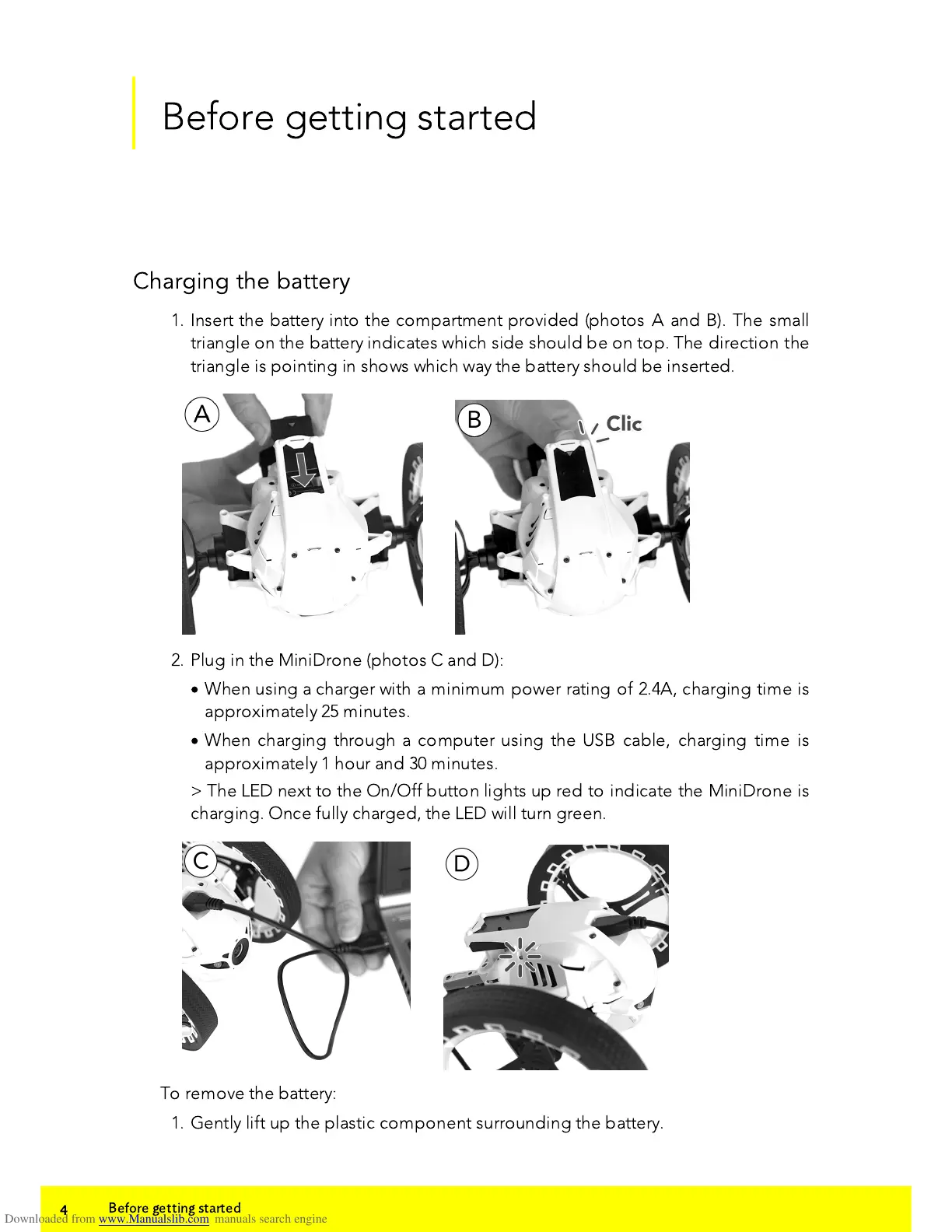
1. Insert the battery into the compartment provided (photos A and B). The small
triangle on the battery indicates which side should be on top. The direction the
triangle is pointing in shows which way the battery should be inserted.
2. Plug in the MiniDrone (photos C and D):
·
When using a charger with a minimum power rating of 2.4A, charging time is
approximately 25 minutes.
·
When charging through a computer using the USB cable, charging time is
approximately 1 hour and 30 minutes.
> The LED next to the On/Off button lights up red to indicate the MiniDrone is
charging. Once fully charged, the LED will turn green.
To remove the battery:
1. Gently lift up the plastic component surrounding the battery.















 To Next Page