Change position
See the Positions section for more information.
Perform a jump, push an object or load the spring
Change the colour and brightness of the eyes
Select the eyes and configure the brightness of the selected LED.
To turn the eyes off, insert an action setting the brightness to 0
%
.
Perform a pre-programmed trick
Select the type of trick.
Press to start the se
q
uence.
Managing roadmaps
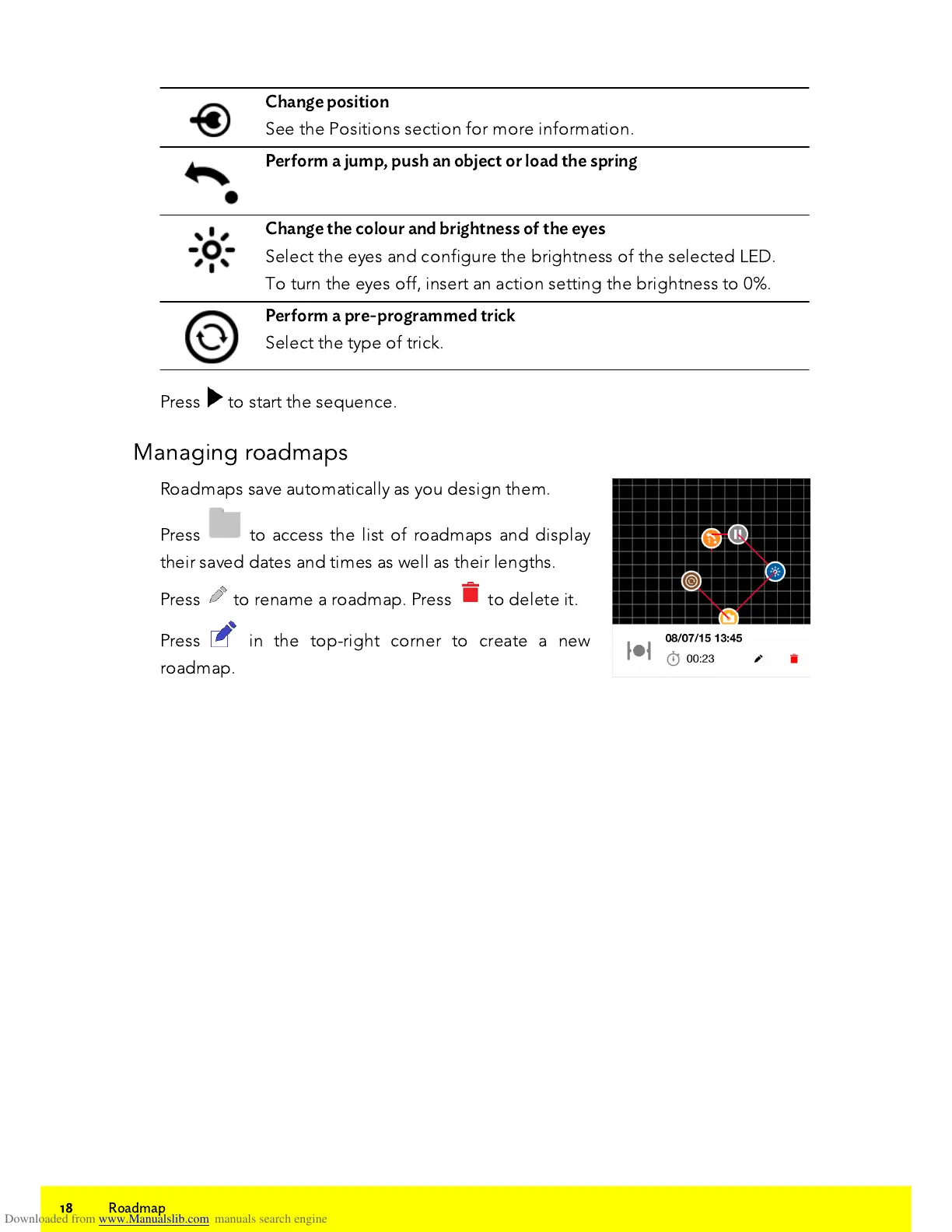
Roadmaps save automatically as you design them.
Press to access the list of roadmaps and display
their saved dates and times as well as their lengths.
Press to rename a roadmap. Press to delete it.
Press in the top-right corner to create a new
roadmap.















 To Next Page