6
Control
Control
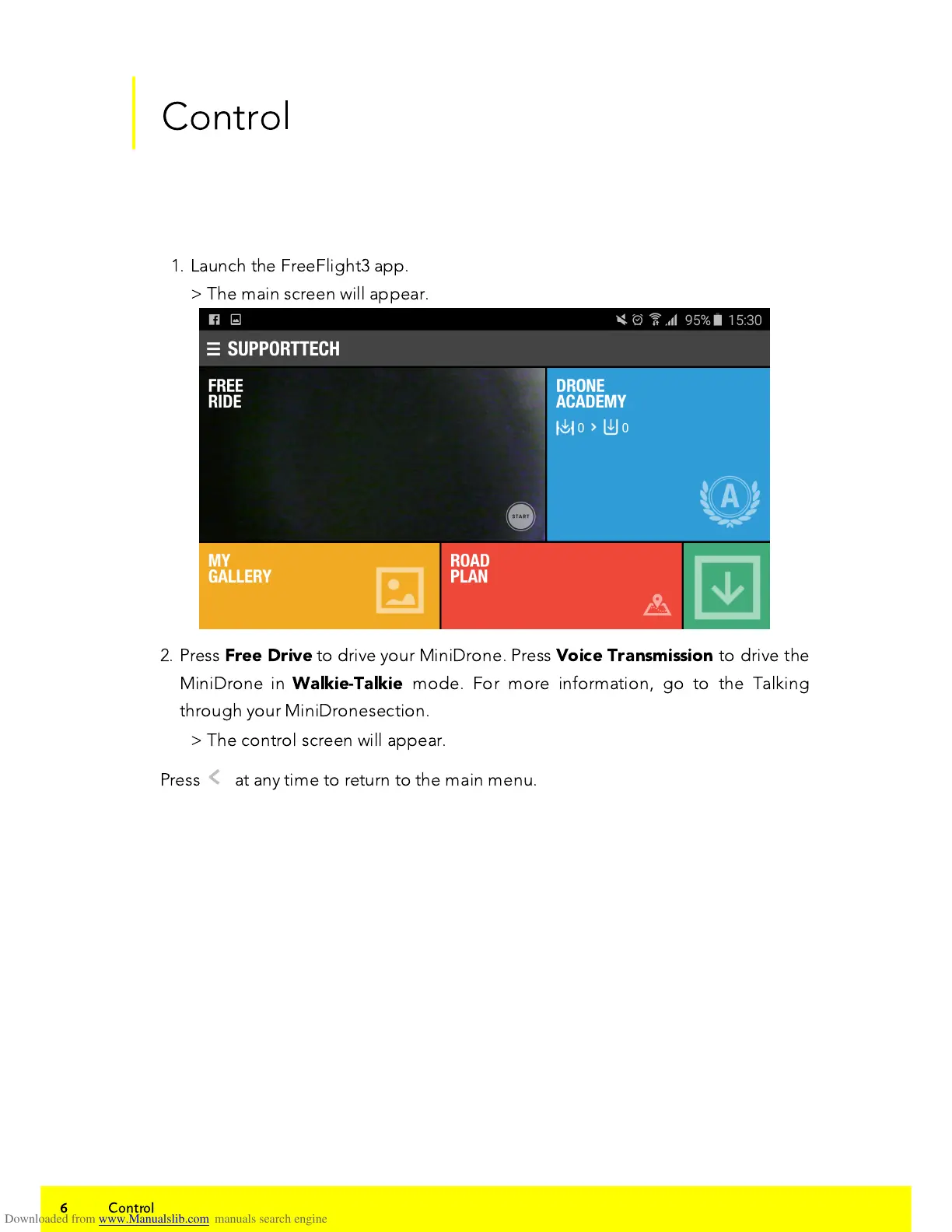
1. Launch the FreeFlight3 app.
> The main screen will appear.
2. Press
Free Drive
to drive your MiniDrone. Press
Voice Transmission
to drive the
MiniDrone in
Walkie-Talkie
mode. For more information, go to the Talking
through your MiniDronesection.
> The control screen will appear.
Press
<
at any time to return to the main menu.















 To Next Page