8
Control
Wheel position
Before starting, choose the control mode for your MiniDrone:
·
By bringing the wheels closer together, you are opting for responsive controls
and a smoother driving experience.
·
Moving the wheels further apart provides greater stability.
MiniDrone positions
Press the button to switch between the Jumper and
K
icker positions. Hold the
button down for 2 seconds to switch to Auto-Balance position.
Press
once to return to normal mode.
The Jumper position lets you perform high and long jumps.
To switch to
K
icker mode, press
once.
The
K
icker position is used to push objects out of your way while driving. The Auto-
Balance position allows you to overcome certain obstacles more easily.
To prevent excessive wear to the rubber pad, the Auto-Balance position should be
used when you are driving over rough surfaces.
Driving
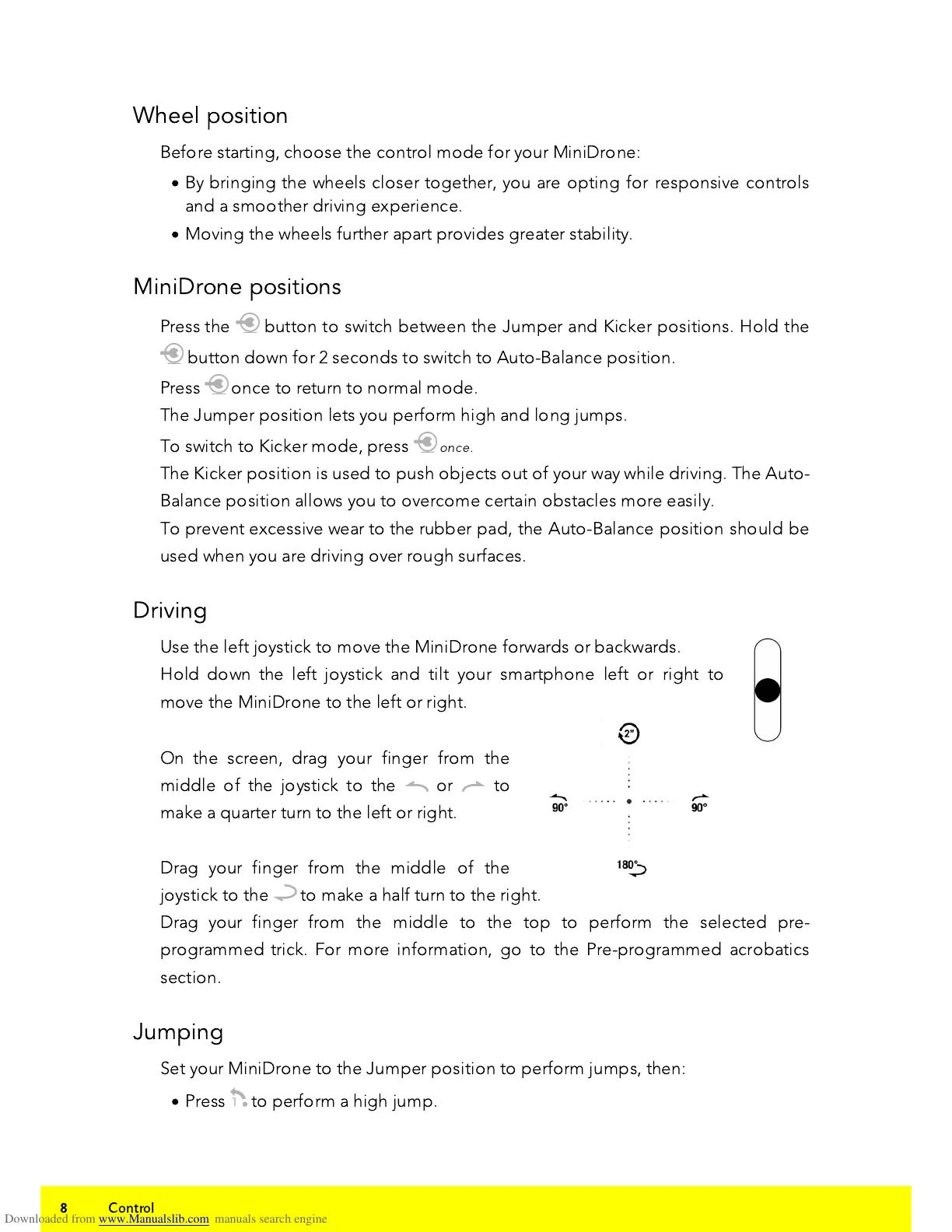
Use the left joystick to move the MiniDrone forwards or backwards.
Hold down the left joystick and tilt your smartphone left or right to
move the MiniDrone to the left or right.
On the screen, drag your finger from the
middle of the joystick to the or to
make a
q
uarter turn to the left or right.
Drag your finger from the middle of the
joystick to the to make a half turn to the right.
Drag your finger from the middle to the top to perform the selected pre-
programmed trick. For more information, go to the Pre-programmed acrobatics
section.
Jumping
Set your MiniDrone to the Jumper position to perform jumps, then:
·
Press to perform a high jump.















 To Next Page