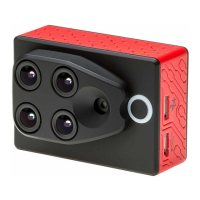
Photo 1
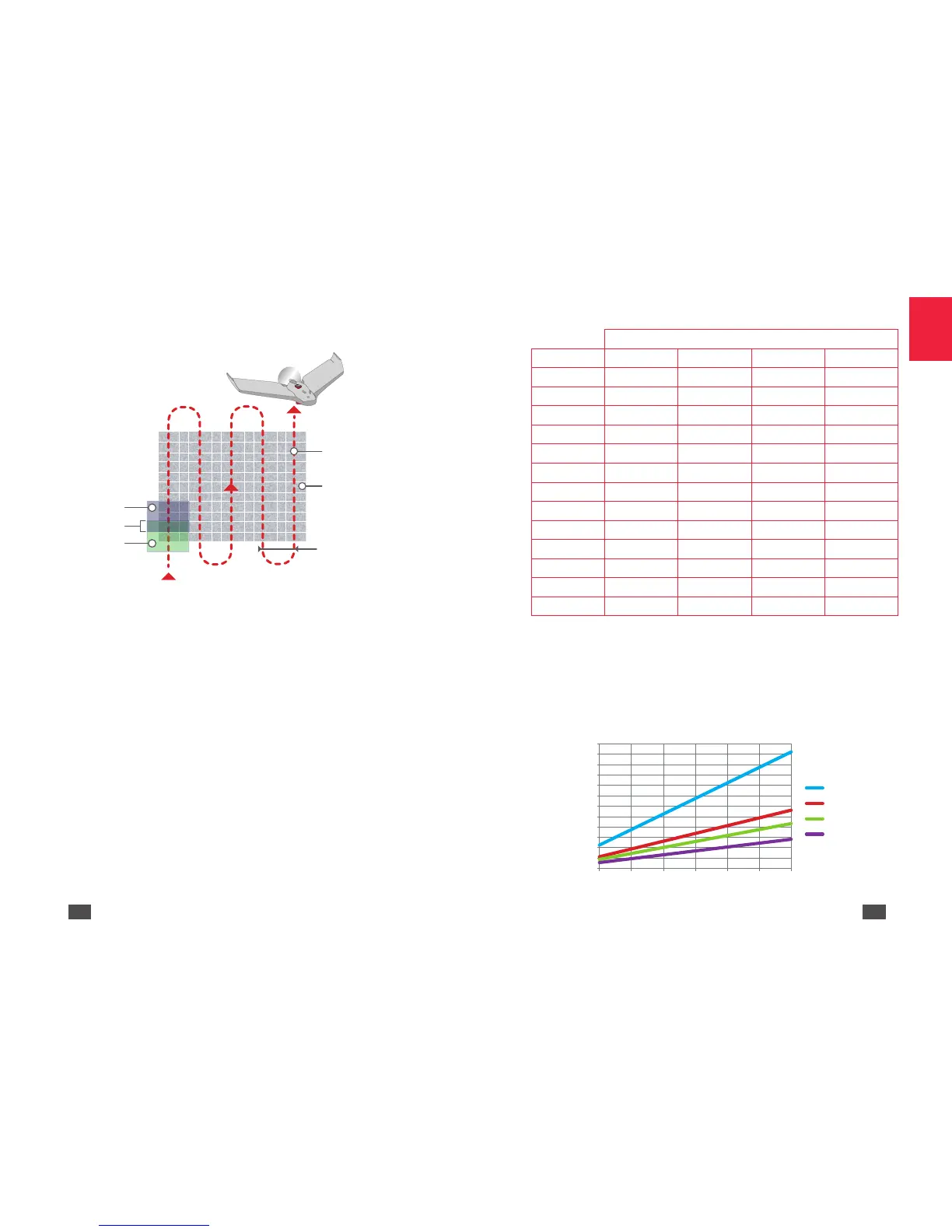
For the best coverage rate during flights at a certain altitude you must
allow for a time lapse between shots. The RGB sensor can take shots with
a minimum delay of 1 second between each photo. Multispectral sensors
can take shots with a minimum delay of 0.5 seconds between each photo.
To find out the minimum time to be respected depending on the flight
height refer to the following chart and diagram.
Time between shots
Height (m) 5 m/s 10 m/s 13 m/s 20 m/s
30 1.1 0.5 0.4 0.3
40 1.4 0.7 0.5 0.4
50 1.8 0.9 0.7 0.5
60 2.2 1.1 0.8 0.6
70 2.6 1.3 1.0 0.7
80 2.9 1.4 1.1 0.74
90 3.3 1.6 1.2 0.8
100 3.7 1.8 1.4 0.9
110 4.1 2.1 1.6 1.0
120 4.4 2.2 1.7 1.1
130 4.8 2.4 1.9 1.2
140 5.2 2.6 2.0 1.3
150 5.6 2.8 2.2 1.4
Key:
• In red: the multispectral sensor and the RGB sensor cannot be
activated.
• In blue: the RGB sensor cannot be activated.
• In green: all the sensors can be activated.
0
0.5
1
1.5
2
2.5
3
3.5
4
4.5
5
5.5
6
30 50 70 90 110 130 150


 To Next Page
 Loading...