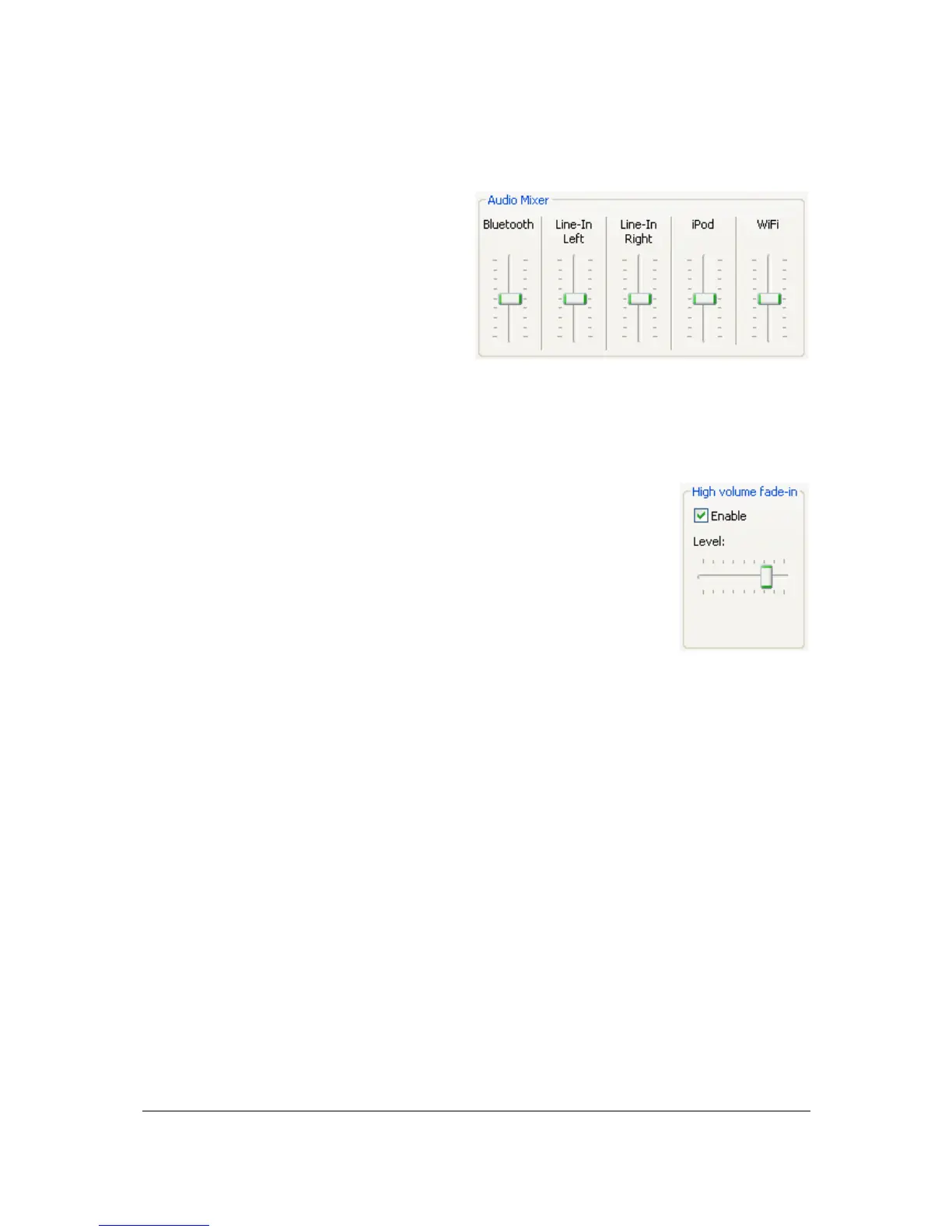
The audio mixer avoids big volume level jumps
between several audio sources thus avoiding
problems such as a too high volume level after
an audio source change.
To access this option, select the Advanced tab.
Then drag the sliders to the desired volume
levels.
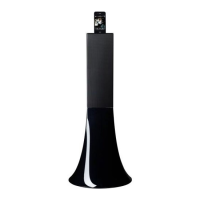
The High volume Fade-in option allows you to define the time the sound will
take to get to the volume defined on the Control bar.
Select the Enable option then drag the slider to the desired level.
When the slider is positioned to the left, it approximately takes 20
seconds to reach the defined volume.
When the slider is positioned to the right, the time taken to reach
the defined volume is approximately null.


 To Next Page