Bluetooth Parameters
Select the Bluetooth tab to modify the parameters below.
Managing Bluetooth devices
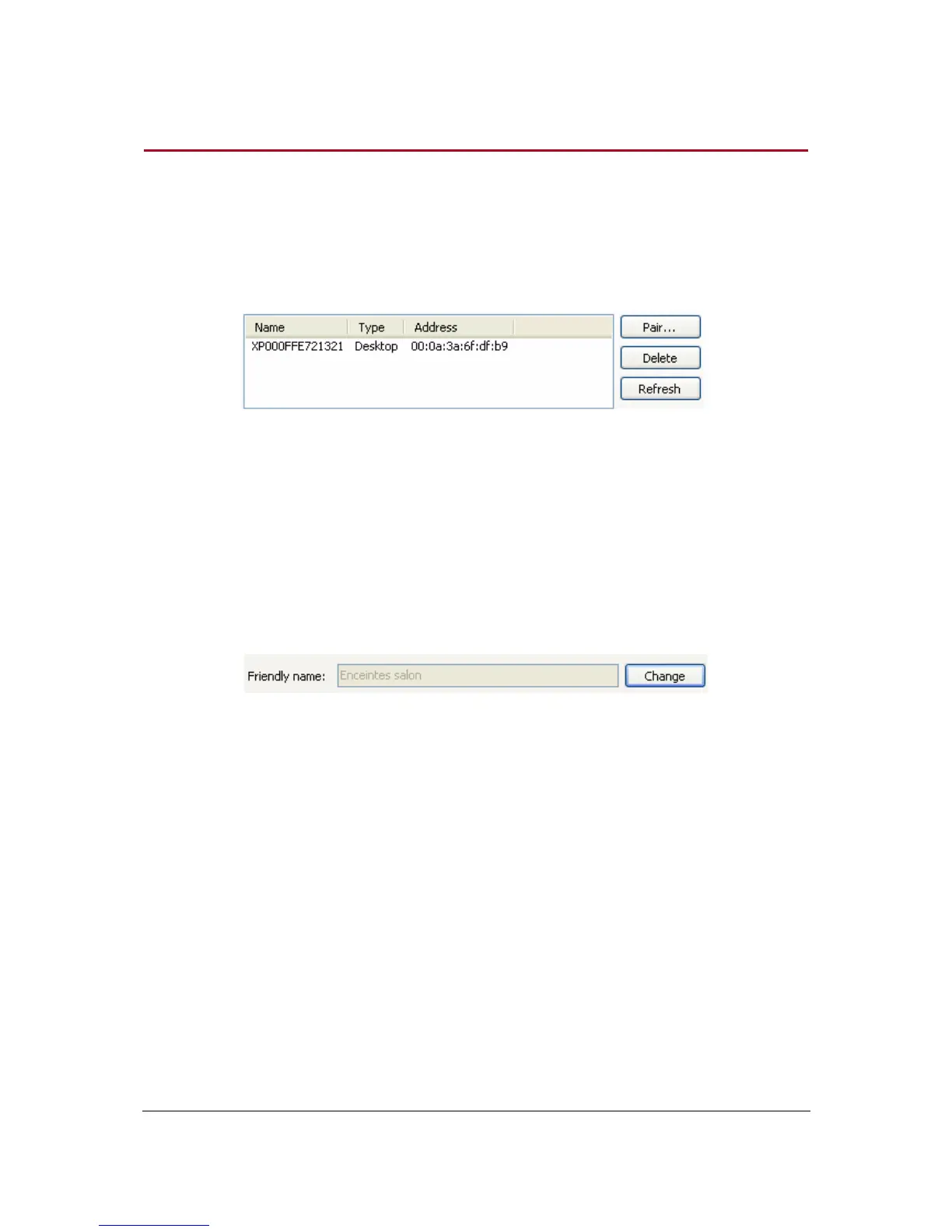
Selecting the Bluetooth tab allows you to get the list of available or already used Bluetooth devices
and their status (connected / disconnected / streaming).
Click Refresh to get a new list of the available Bluetooth devices.
Select a device and click on Delete to close the connection with the selected local device.
Note that you will have to redo the pairing to connect to the device again.
Modifying the Bluetooth name
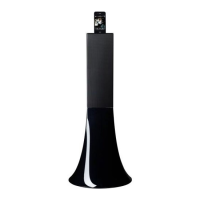
You have the possibility to modify the name of the Zikmu in order to recognize it easily while
performing a Bluetooth or Wi-Fi search.
1. Click on Change.
> The Change Bluetooth name dialog box is displayed.
2. Enter the new name.
3. Click on OK.


 To Next Page