Depending on the computer you are using, there are several methods to update your Zikmu:
- Using a PC via Wi-Fi
- Using a PC via Bluetooth with the Widcomm Bluetooth software
- Using a PC via Bluetooth with the Toshiba Bluetooth software
- Using a Mac
Updating the Zikmu with a PC via Wi-Fi
1. Click on Start > My network places if
your are using the Windows XP
operating system or on Start > Network
if you are using the Windows Vista
operating system.
2. Double click on the icon corresponding to
your speakers.
> The web interface of the Zikmu is
displayed.
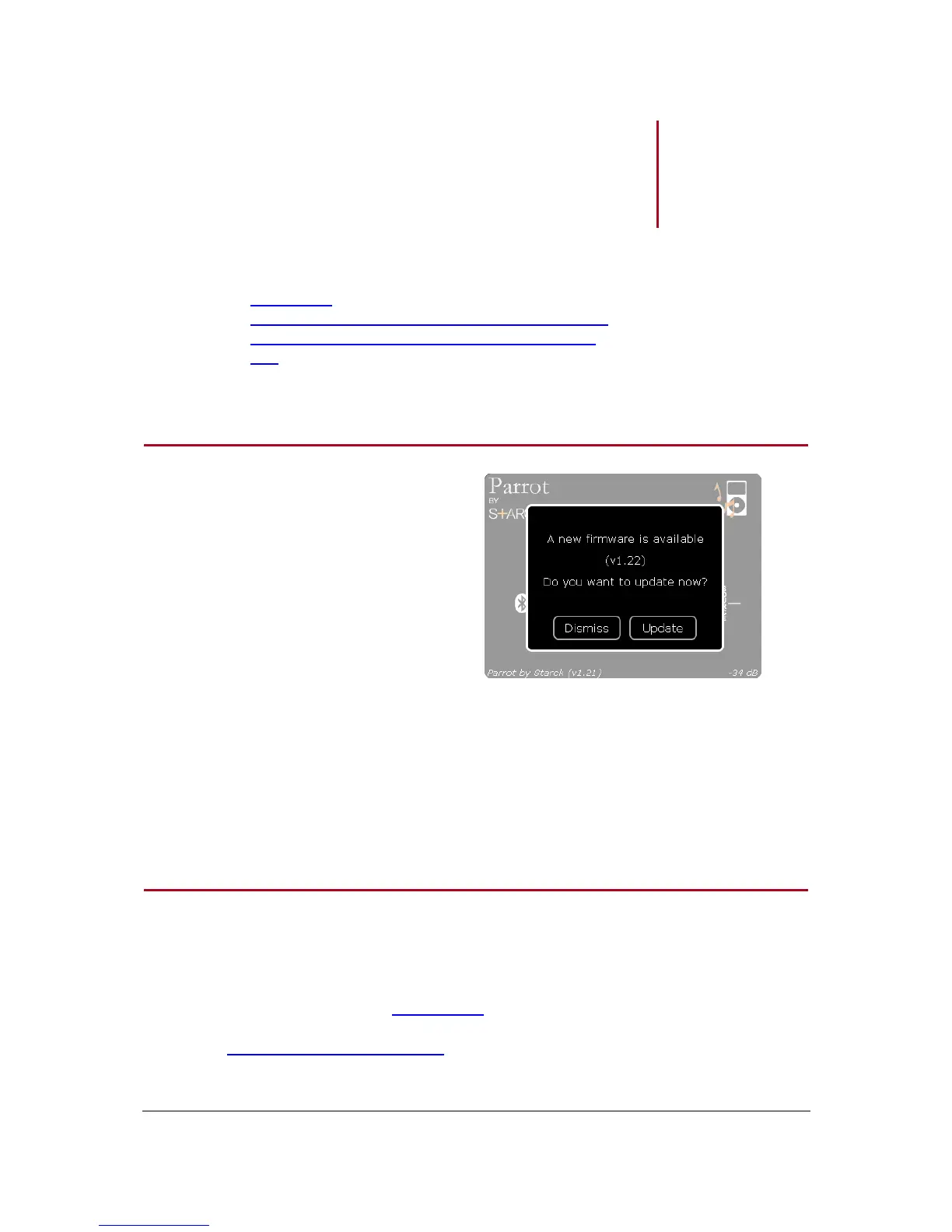
> A pop-up is also displayed if a software
update is available.
3. Click on Update to start the software
update.
Updating the Zikmu with a PC via Bluetooth
Before you begin
Turn on your speakers.
Download the update file available here.
Determine the Bluetooth software of your PC.


 To Next Page