29
Ipv6 Conguration Policy
This item allows you to set the IP6 conguration policy.
PXE boot wait time
This item allows you to abort the PXE boot by pressing the ESC key for a specic wait time.
Media detect count
This item allows you to check the media for a specic number of times.
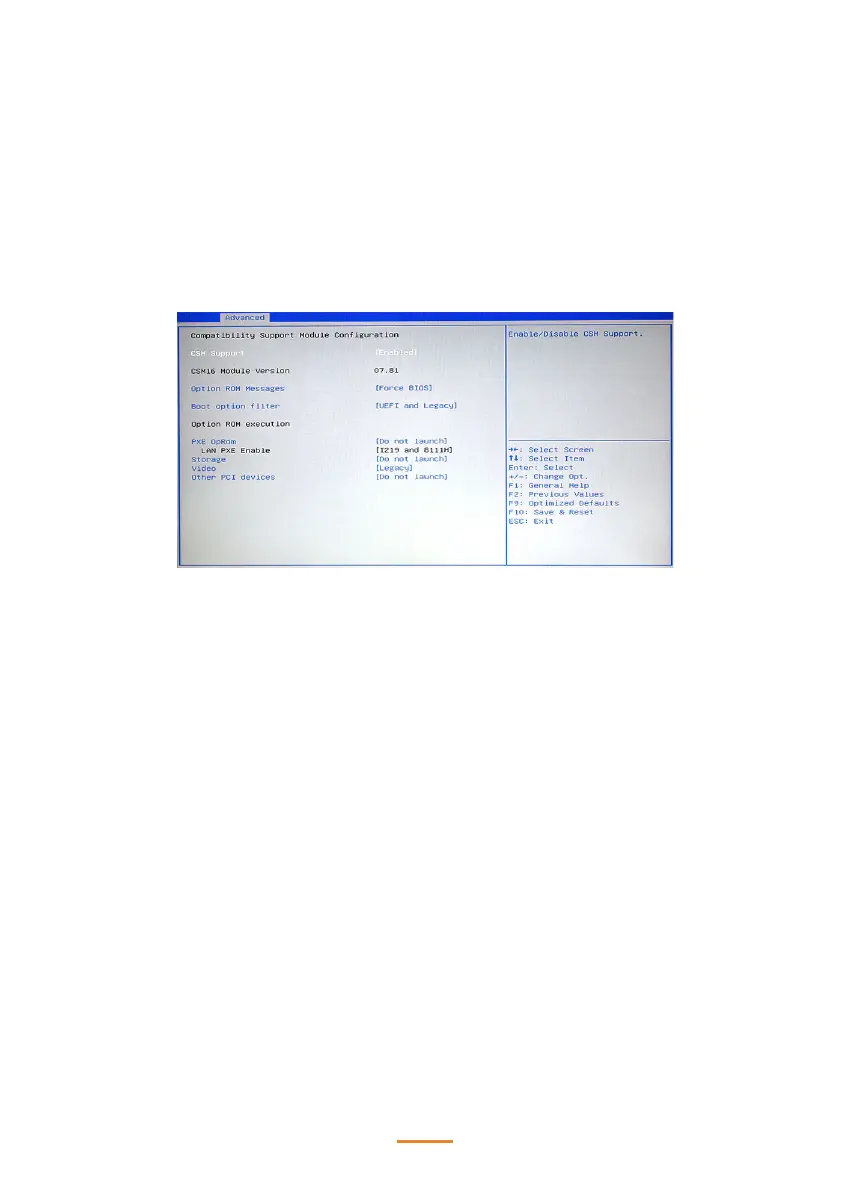
CSM Conguration
CSM Support
Use this item to enable or disable CSM support.
Option ROM Messages
This item is used to set a display mode, Force BIOS or Keep Current, for Option ROM.
Boot option lter
This item controls the priority of Legacy and UEFI.
PXE OpRom
This item controls the execution of UEFI and Legacy PXE OpROM.
Storage
This item controls the execution of UEFI and Legacy Storage OpROM.
Video
This item controls the execution of UEFI and Legacy Video OpROM.
Other PCI devices
This item determines OpROM execution policy for devices other than network, storage or video.



 To Next Page