35
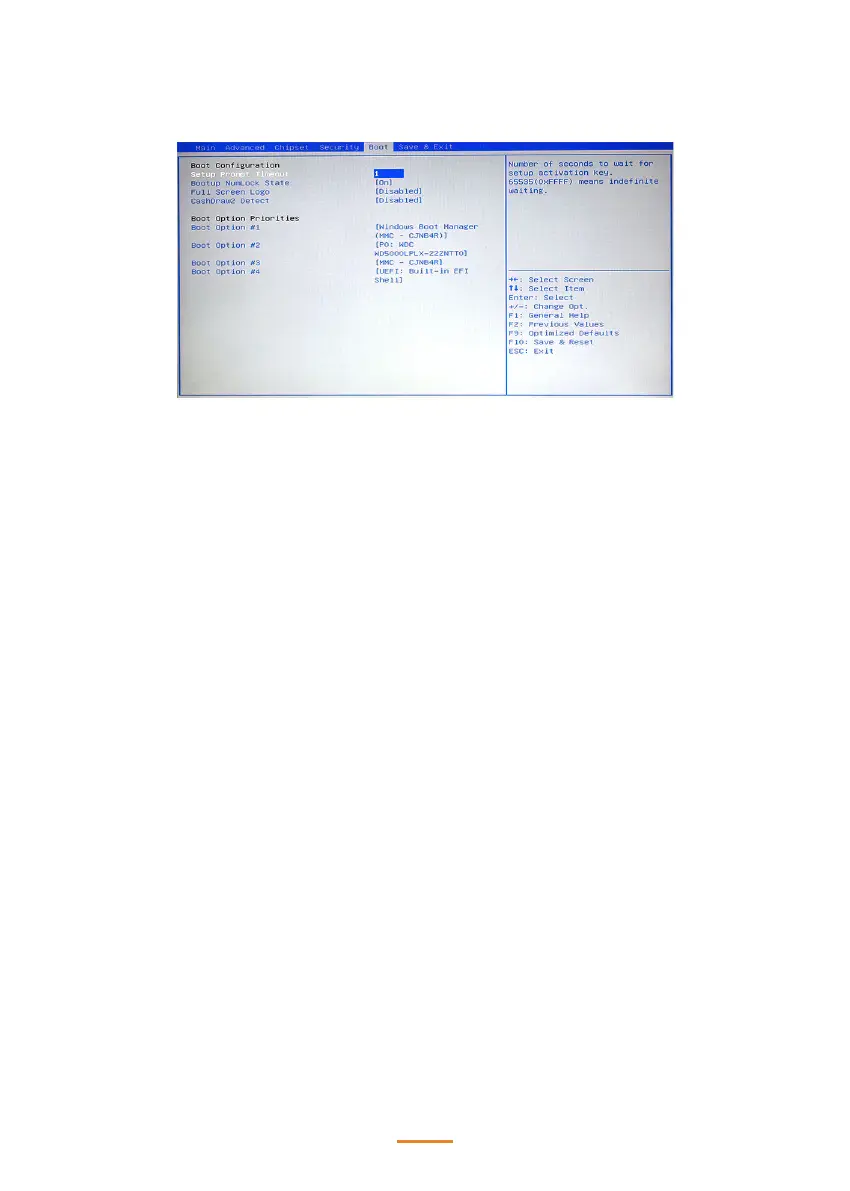
Boot Settings
This screen allow you to congure the boot options.
Setup Prompt Timeout
Number of seconds to wait for setup activation key.
65535 (0xFFFF) means indenite waiting.
Bootup Numlock State
This item is used to select the Power-on state for Numlock.
FullScreen Logo
This item enables you to show the full screen logo on the bootup screen.
CashDraw2 Detect
This item allows you to enable or disable the CashDraw2 detecting function.
Boot Option #x
This item allows you to set the system boot order.



 To Next Page