32
LCD Control
This sub-menu allows you to set up the LVDS control.
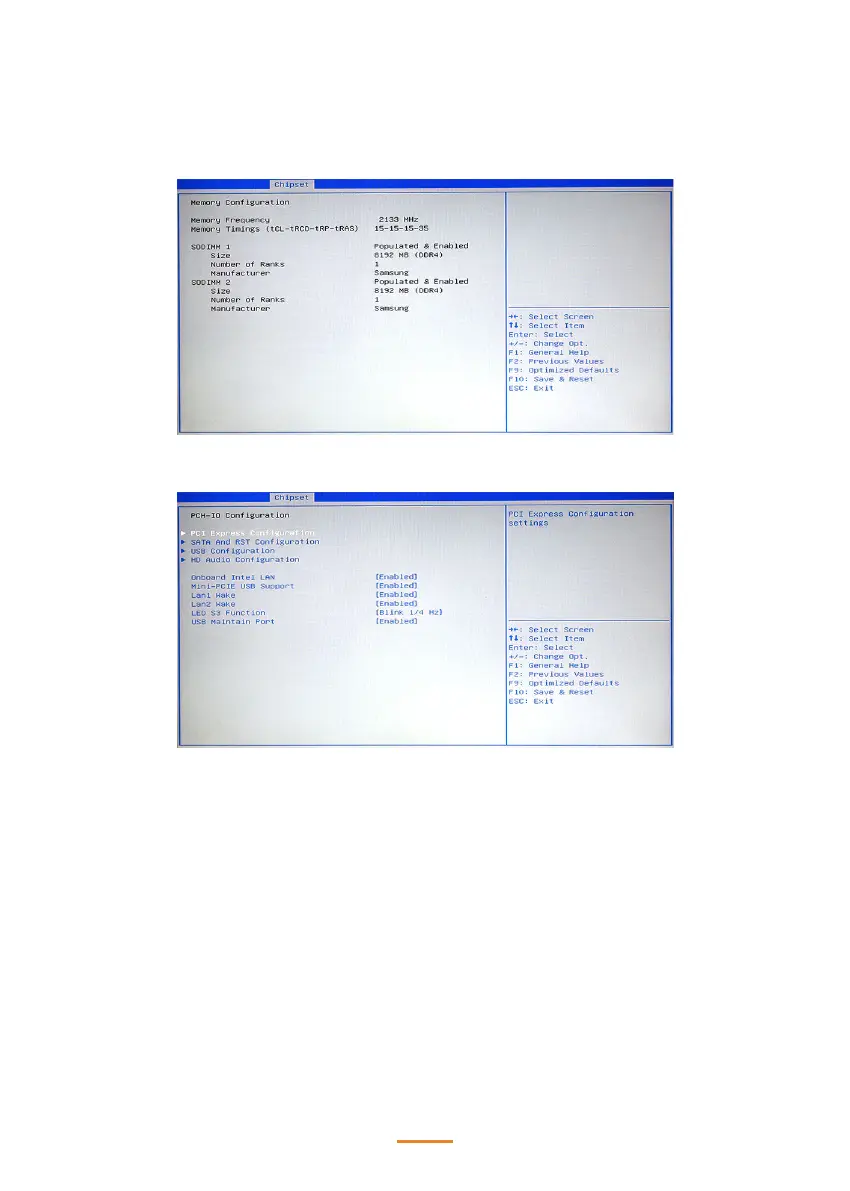
Memory Information
PCH-IO Conguration
PCI Express Conguration
This sub-menu allows you to set up the PCI express conguration.
SATA And RST Conguration
This sub-menu allows you to set up the SATA and RST conguration.
USB Conguration
This sub-menu allows you to set up the USB conguration.
HD Audio Conguration
This sub-menu allows you to set up the HD audio subsystem conguration.
Onboard Inte LAN
Use this item to enable or disable the onboard Intel LAN controller. The default setting is Enabled.


 To Next Page