Revision 25 of DOCU225, © Copyright
Important:
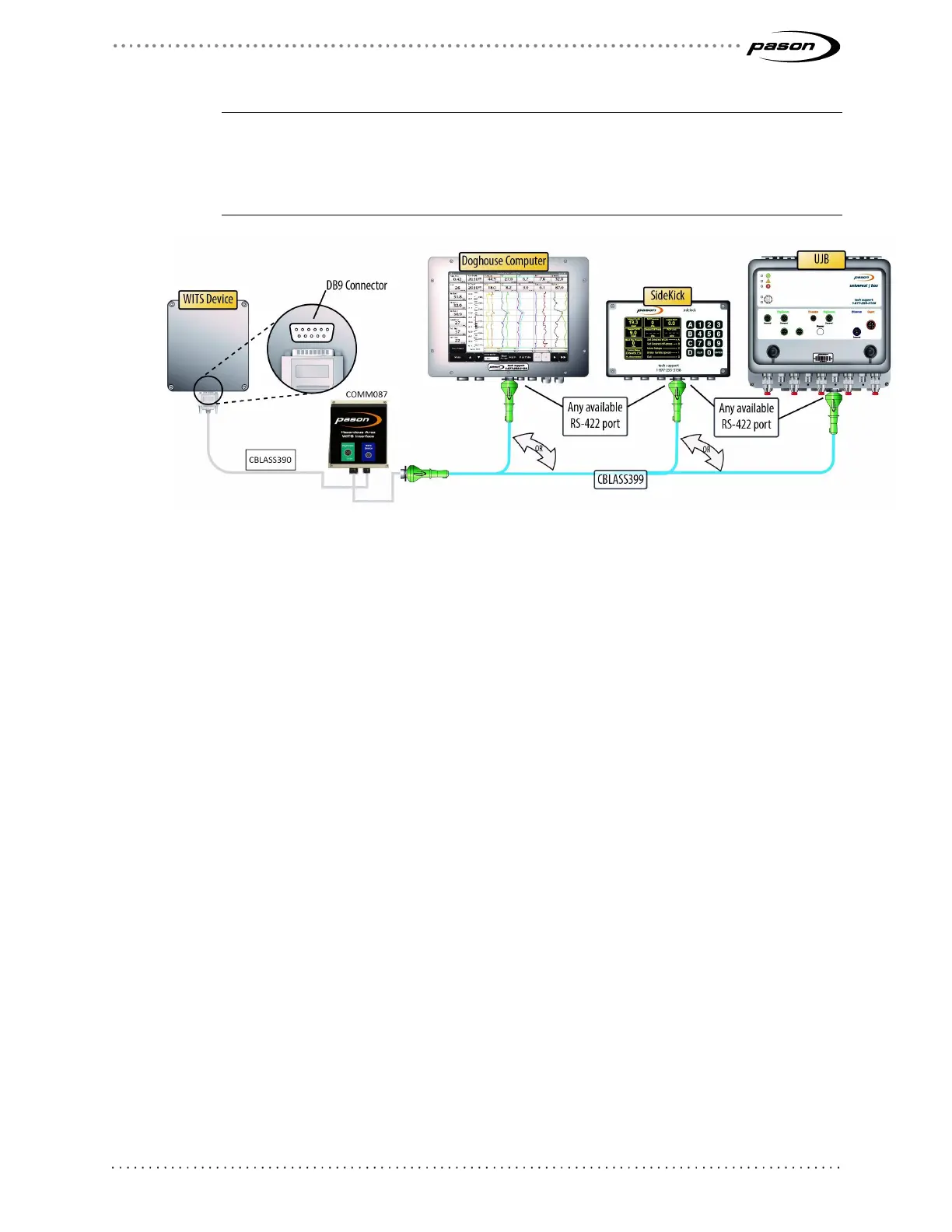
If connecting to a SideKick, ensure that the port you’re using is set to Auto (Port Info >
Port Setup from the SideKick’s main screen). If connecting to a UJB, ensure the port is
set to WITS (Setup Ports > Change to WITS from the UJB local interface). This requires
UJB firware version 11 or higher.
Figure 6: Connecting a WITS device to a DHC, SideKick, or UJB
3.2 Testing WITS Connections
If you are having problems with WITS communication, a Pason field technician can test
WITS connections using the proprietary Pason WITS RSVP application. For help testing
your WITS connections, contact Pason Technical Support at 1-877-255-3158.



 To Next Page