Revision 25 of DOCU225, © Copyright
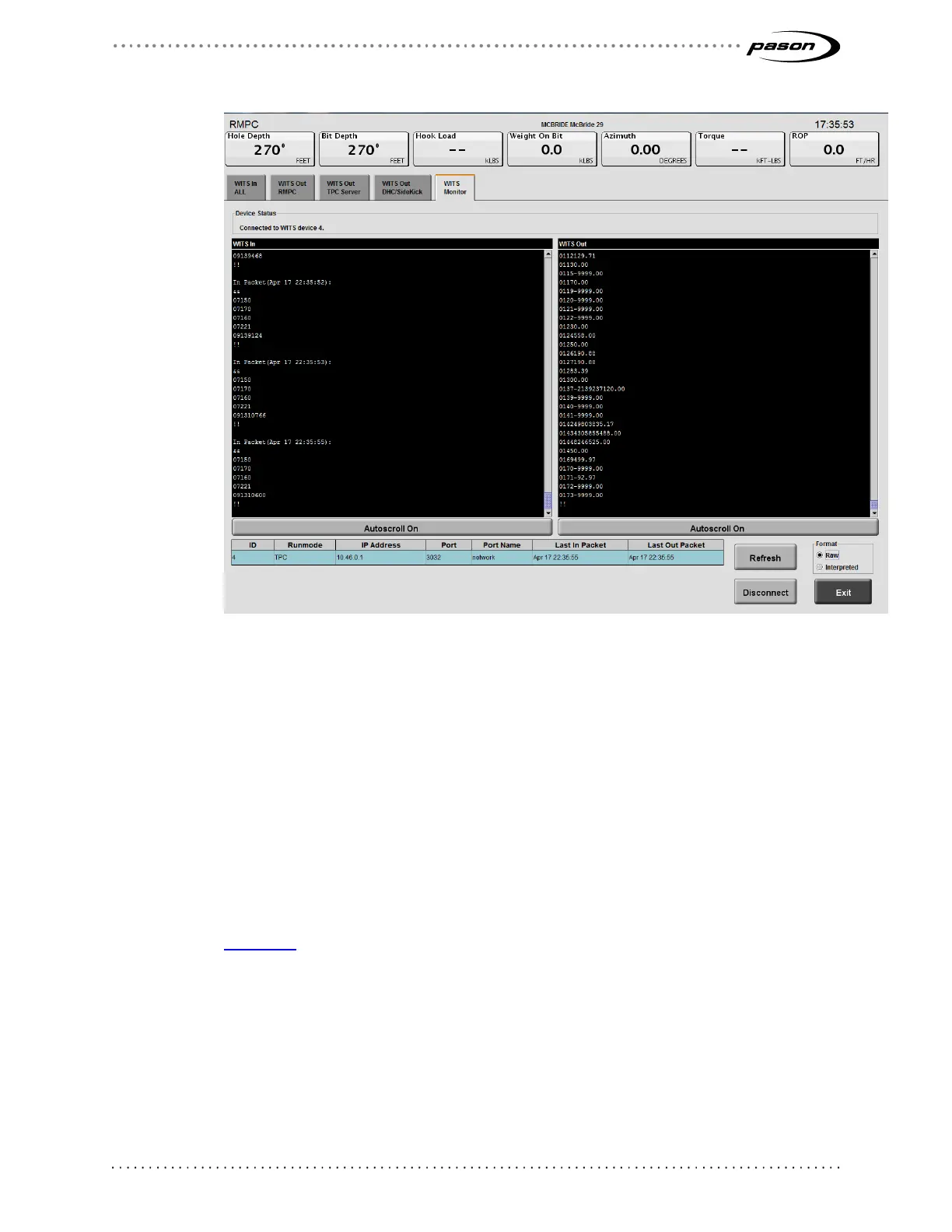
Figure 15: WITS Monitor screen
3. In the table at the bottom, click to select the connected device you want to
monitor—look for the workstation type in the Runmode column. Or, to find the
specific IP address of the connected device, type ipconfig on the connected
device’s command prompt screen. Use the IP address displayed at the top of the
command prompt screen to find the device on the WITS monitor screen.
The EDR starts displaying the packet information in the WITS In and WITS Out
boxes.
4. Select Raw or Interpreted in the Format box. The Raw format gives you only
WITS packet information; the Interpreted format adds more detail as shown in
Figure 16 below.
5. Select Disconnect if you want to choose a different device to monitor.
6. Click Exit to return to the setup screen.



 To Next Page