Revision 25 of DOCU225, © Copyright
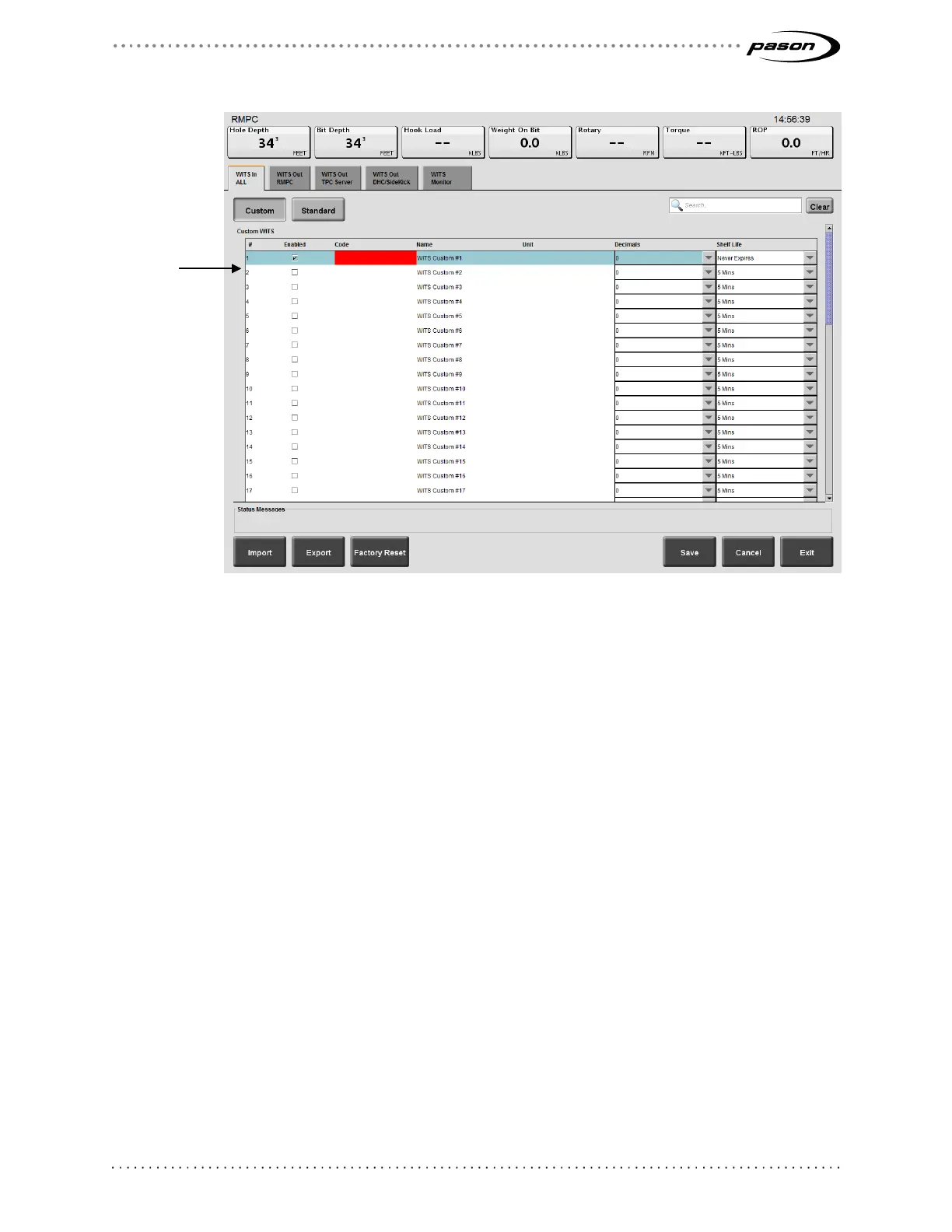
Figure 12: Highlighted custom WITS row
3. Click in a code’s row. The EDR highlights the row.
4. Within the highlighted row, enter the following custom code information:
• Code
Enter a WITS code for the trace by clicking under Code in the highlighted
row, and entering a four digit WITS code. Ensure that this code is different
from the existing WITS codes. If the code you enter conflicts with a current
EDR WITS code, the EDR highlights your entry in red and does not allow you
to save your settings.
• Name
To enter a name for the custom WITS code, click under Name in the
highlighted row and enter a name.
• Unit
To select the display units, click under Unit in the highlighted row and enter
the name of the display units. Note that these are display units only—the
EDR does not perform conversions based on the units you enter.
• Decimals
To select the number of decimal places the EDR uses for the WITS value,
Enter your
codes, names,
and units by
clicking in any



 To Next Page