Revision 25 of DOCU225, © Copyright
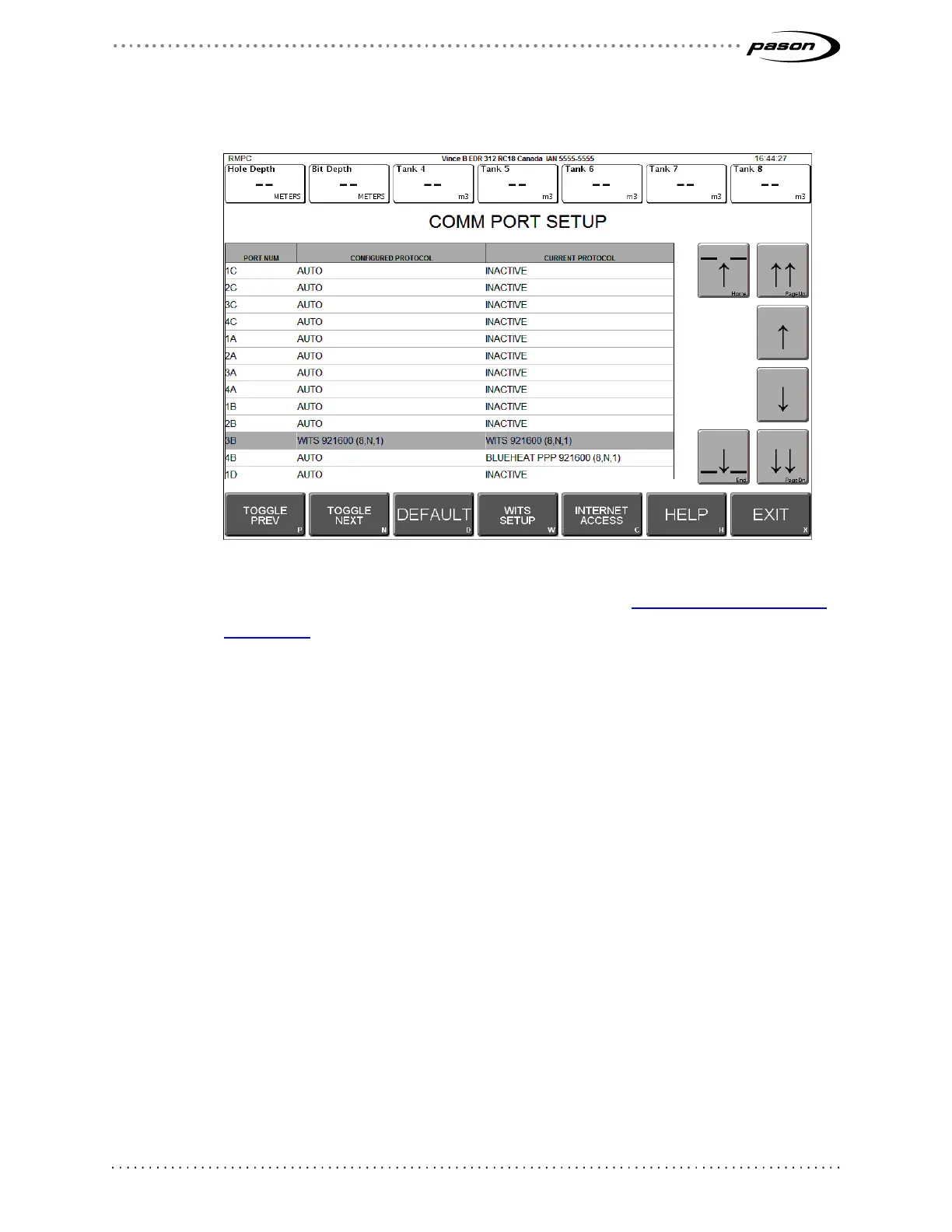
The Comm Port Setup screen opens.
Figure 9: Comm Port Setup screen
2. Select the assigned WITS comm port as described in Determining the Assigned
Comm Port on page 16.
3. Click either Toggle Next or Toggle Prev to turn off the Auto setting and toggle
through the additional protocols.
4. Click WITS Setup. The WITS Comm Options screen opens.



 To Next Page