1 Westleigh Oce Park,
Scirocco Close, Moulton Park,
Northampton, NN3 6BW
0333 123 1243
www.libertypay.co.uk
info@libertypay.co.uk
PAX A920
Printing Z Reports (End of Day)
To print end of day reports navigate to the Admin Menu and select the “Z
Report” option. The device will then automatically start printing the end of
day report.
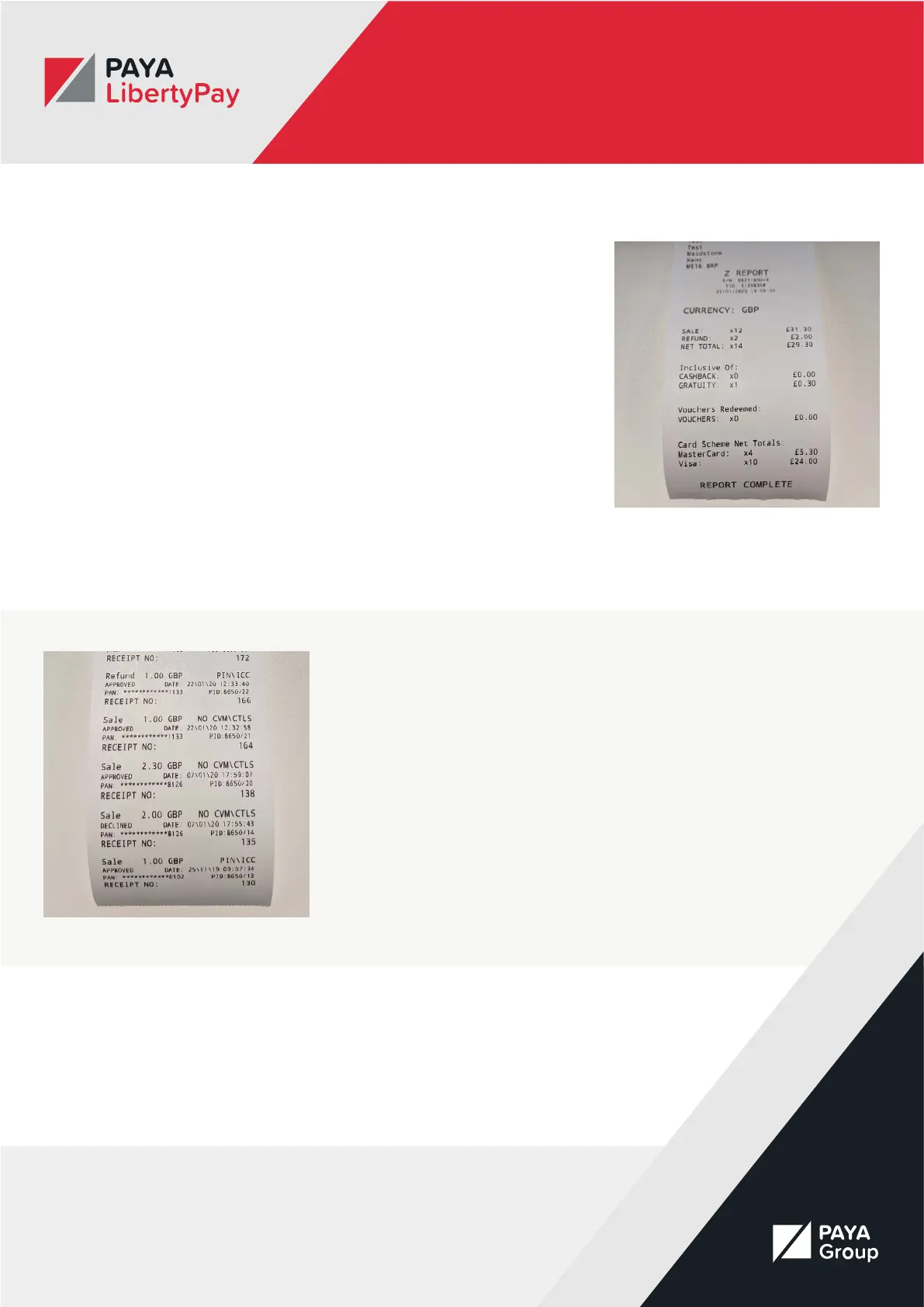
The Z Report will tell you:
• How many sales you’ve made
• The total sale amount
• The number of refunds you’ve made
• The total refund amount
• The net total sales for the day.
It will also break down cashback, gratuity and vouchers, card types and the
amount taken on each card type.
Printing History Reports
History reports will give you a detailed look at transactions on your A920.
This will include:
• Whether the transactions was a sale or refund
• The amount taken/refunded
• The type of payment
• Whether the transaction was approved
• The date and time of the transaction
• The receipt number
• The last three digits of the customer’s primary account number



 To Next Page