1 Westleigh Oce Park,
Scirocco Close, Moulton Park,
Northampton, NN3 6BW
0333 123 1243
www.libertypay.co.uk
info@libertypay.co.uk
PAX A920
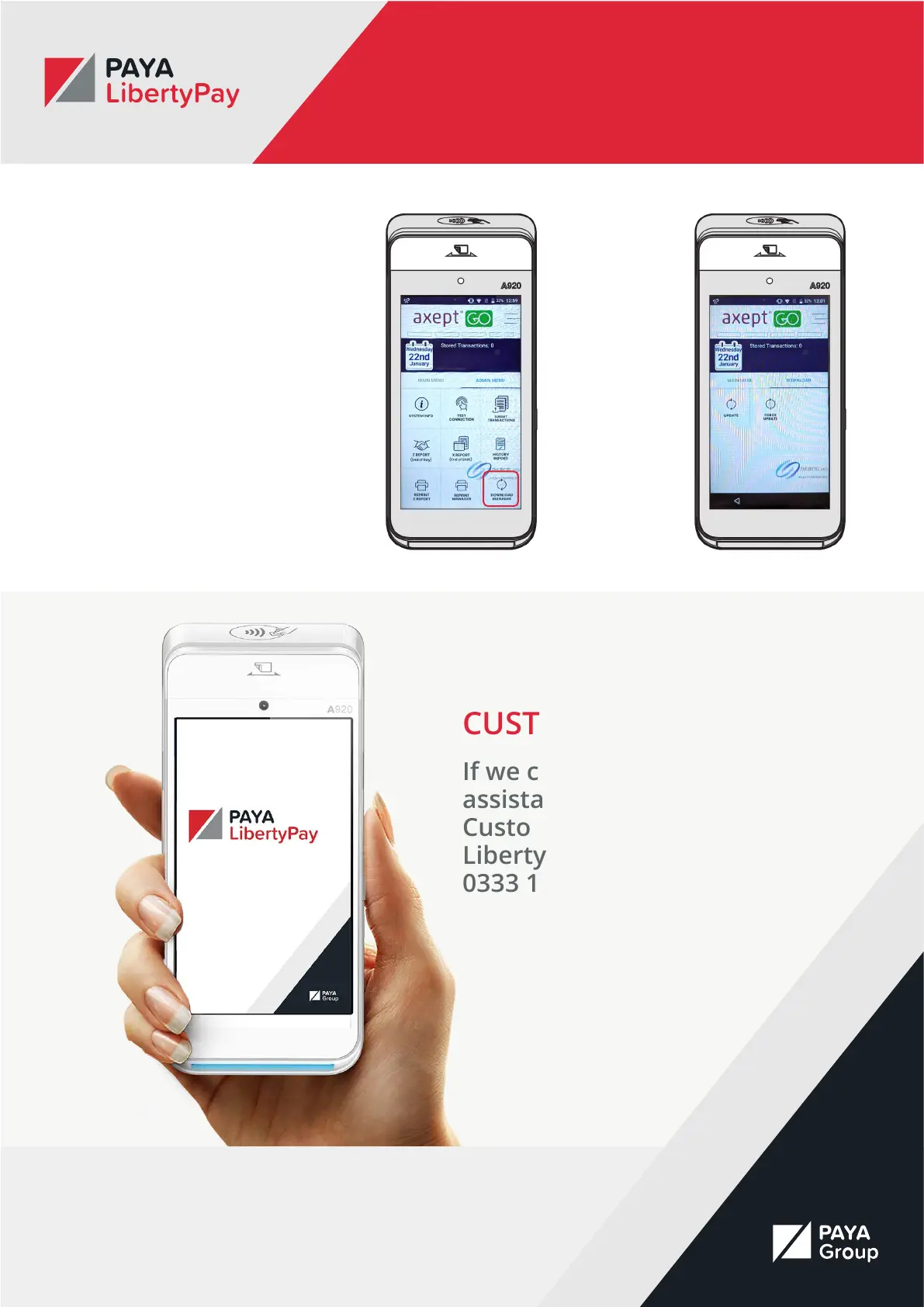
Updating the Device
If you need to update the device
settings, navigate to the Admin
Menu and select the “Download
Manager” button. You can then
choose to update the device.
The device will then check for any
available updates. If the device nds
any updates to download it will
automatically start the process. If
there are no updates to download
you will be taken back to the main
axept GO screen where you will
need to select the
“Payment” button and log in again.
CUSTOMER SERVICE
If we can be of further
assistance, please contact
Customer Services at
LibertyPay on
0333 123 1243.



 To Previous Page