1 Westleigh Oce Park,
Scirocco Close, Moulton Park,
Northampton, NN3 6BW
0333 123 1243
www.libertypay.co.uk
info@libertypay.co.uk
PAX A920
Accepting Payments
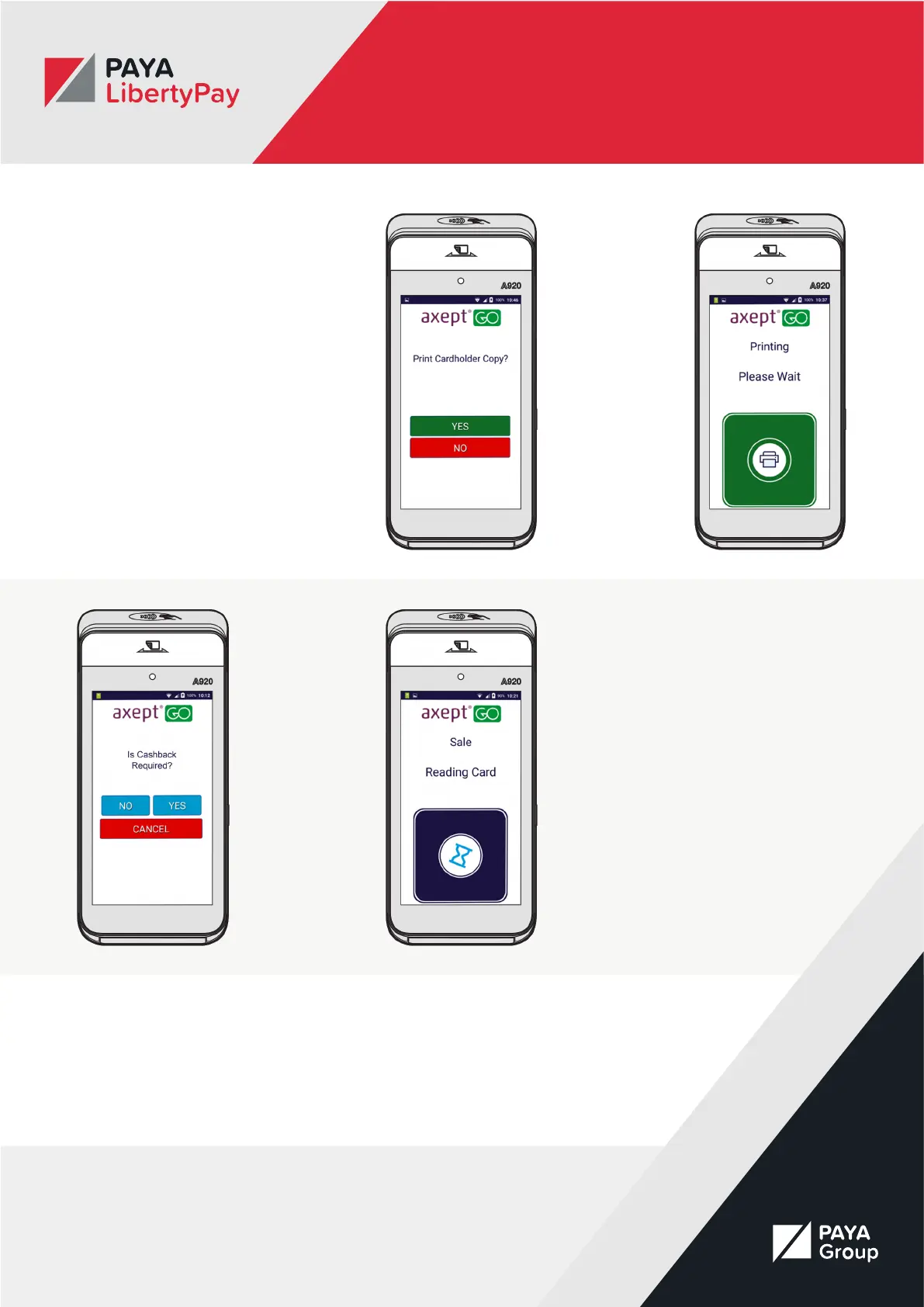
If the customer wishes to pay by
Contactless payment, the device will
ask if you want to print a customer
copy of the receipt. Select either
yes or no. The receipt will print
automatically.
When paying by Chip and Pin you
will be asked if cashback is required.
If your customer would like
cashback select yes and enter the
desired amount.
Otherwise select no. The sale screen
will then conrm how much the sale
amount and ask the customer to
enter their pin.
Once the customer has entered their
pin the “processing transaction”
screen will appear.
Once it is complete the Merchant
and Customer receipts will print
and the customer will be asked to
remove their card.



 To Next Page