Date: 08-20-2019 18 PAX Customer Support
Version: 1.0 support@pax.us
(877) 859-0099
www.pax.us
When removing the battery, avoid pulling on the battery wires.
The connector or battery could be damaged.
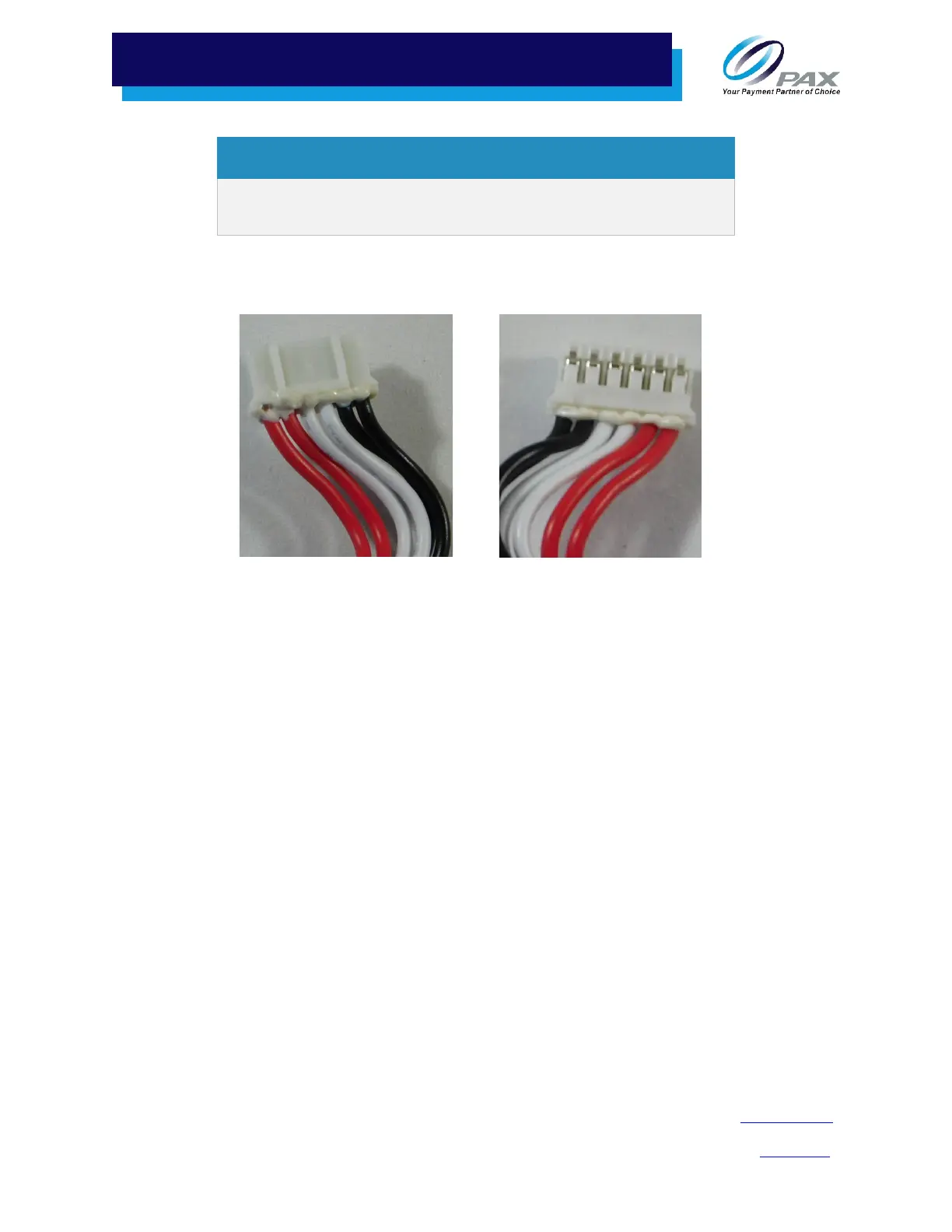
5. Insert the new battery’s connector into the slot. Ensure you are inserting the battery connector
with the metal connector pins facing up.
Correct Orientation to Insert Underside of Connector
6. Firmly seat the battery connector into its socket. Do not press on the wires to force the
connector into place.
7. Replace the rubber foot.



 To Next Page