Date: 08-20-2019 28 PAX Customer Support
Version: 1.0 support@pax.us
(877) 859-0099
www.pax.us
Static IP
The E700 supports static IP setup for network and internet access. Static IP addresses allow network
devices to keep the same IP address all the time, instead of automatically assigning IP addresses such as
in a DHCP setup.
To set up a static IP:
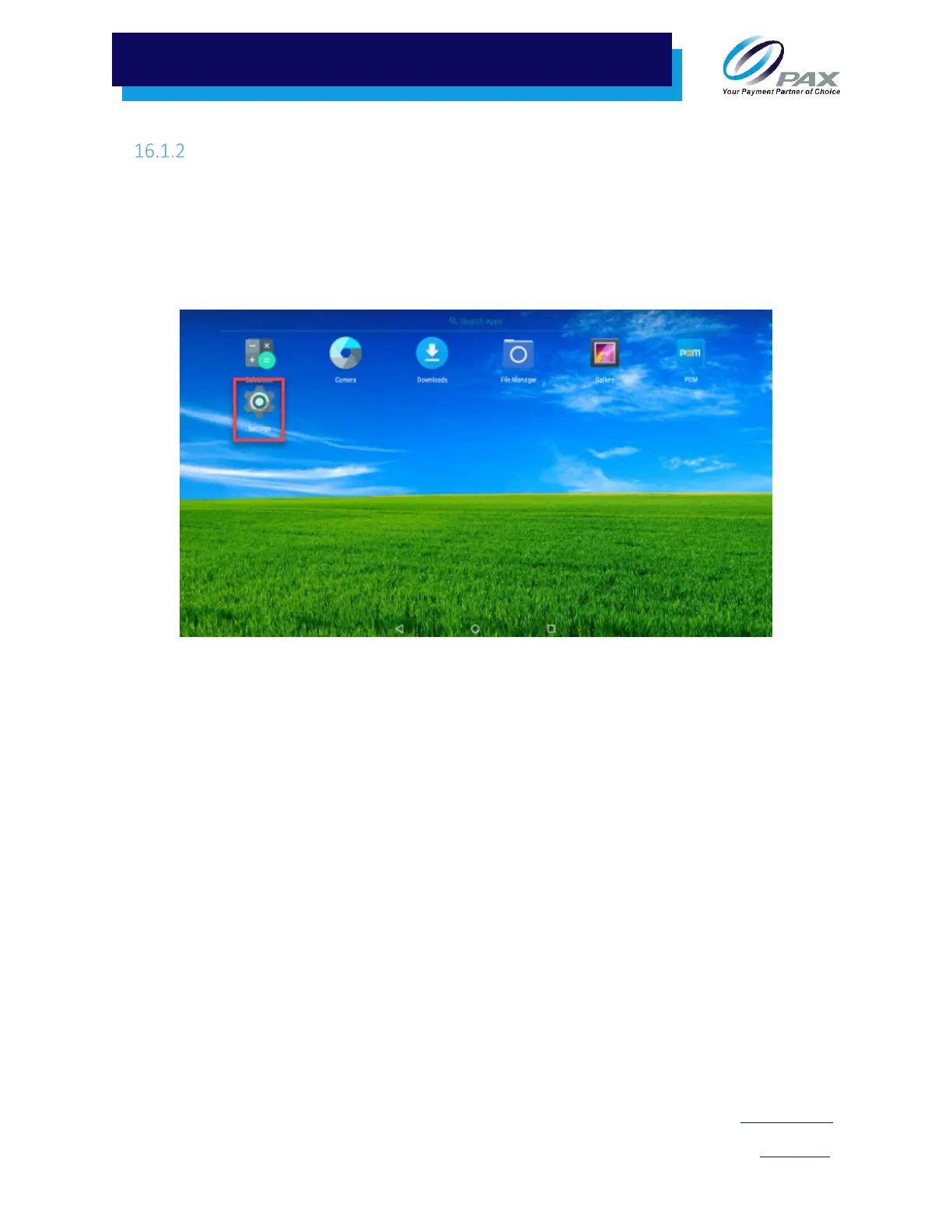
1. From the Main Menu, select Settings.
Settings on Main Menu
2. If a password is required, enter the password, press the green check mark () button, and press
OK.



 To Next Page