SeeGull CW Transmitter User Guide
Rev. D PCTEL 13
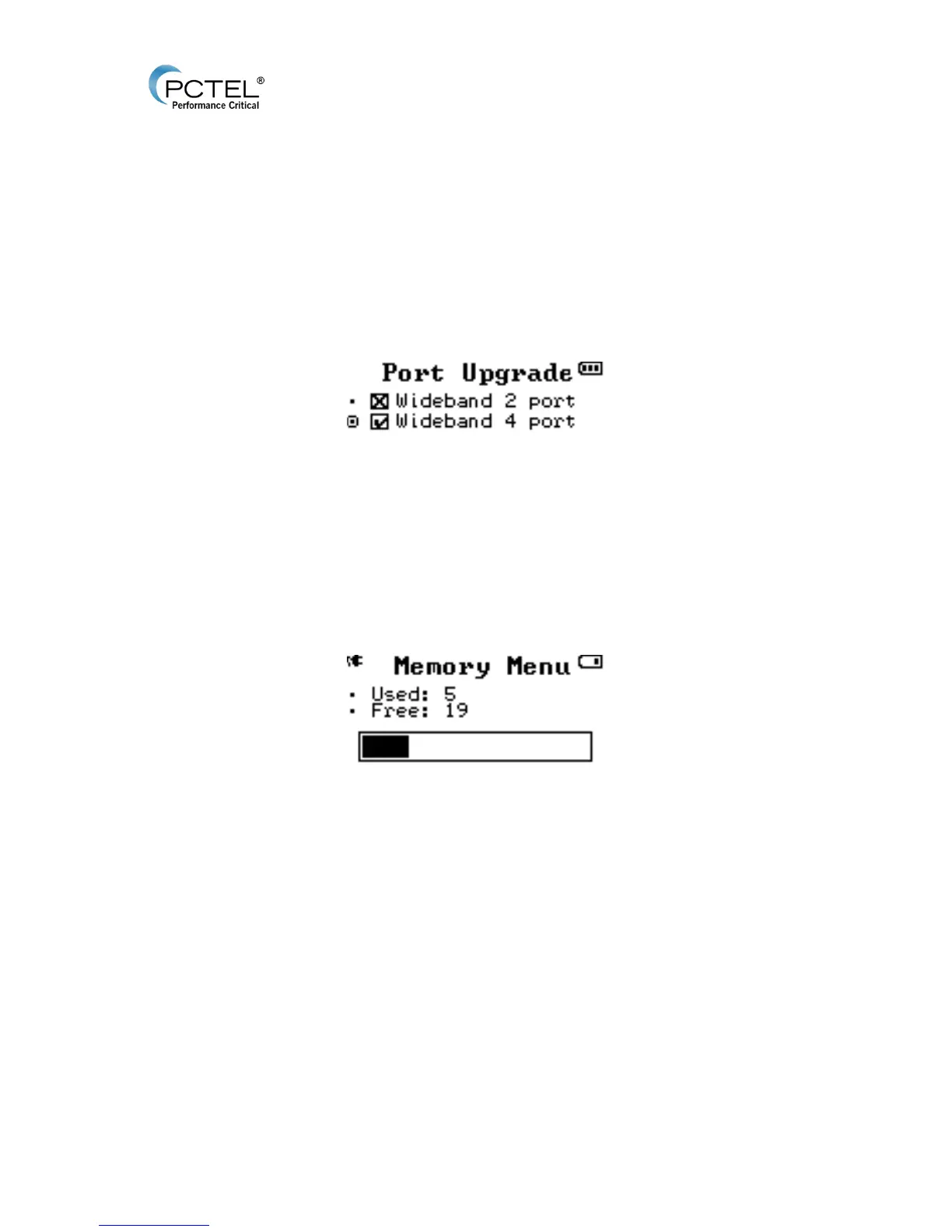
• Port Upgrade: Displays Wideband 2 port or Wideband 4 port. A check box will indicate
the device’s current configuration. 2 port transmitters can be upgraded to 4 ports:
o Contact PCTEL Sales for purchasing information to receive an upgrade code.
o Select “Wideband 4 port” and press Enter.
o Input the upgrade code and press Enter.
o Confirm on the Port Upgrade menu that “Wideband 4 port” is checked, and begin
a four port transmission.
Figure 10 - Port Upgrade
• Device Information: Displays the product name, hardware version, firmware version (to
help determine if future firmware updates are needed), and serial number.
4.2.5 Memory Status:
Figure 11 - Memory Menu
Shows the number of used and free saved channels. CW Transmitter can store up to 24 test
channels.


 To Next Page