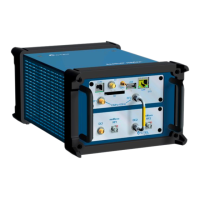
SeeGull CW Transmitter User Guide
Rev. D PCTEL 15
• Press Enter to save with this name.
• Press the Edit Key to use the Keypad letters to change the name – press
the Enter Key to complete saving process (Note: 12 character limit).
4.3.3 Recall Saved Configuration
1. From Main Menu, use Arrow Keys to select Saved Channels Menu, press Enter.
2. Within Saved Channels Menu, previously saved test configurations are listed in
alphabetical order.
3. Use Arrow Keys to select the desired saved parameters.
• Unwanted saved Channels can be deleted by selecting and pressing Keypad-1.
4. Press Keypad-2 to activate settings and begin transmitting – RF indicator icon will
appear.


 To Next Page