PCAN-Router DR – User Manual
21
9. Click on Detect.
In the list, the PCANRouter DR appears together with the
Module ID and Firmware version. If not, check whether a
proper connection to the CAN bus with the appropriate
nominal bit rate exists.
10. Click Next.
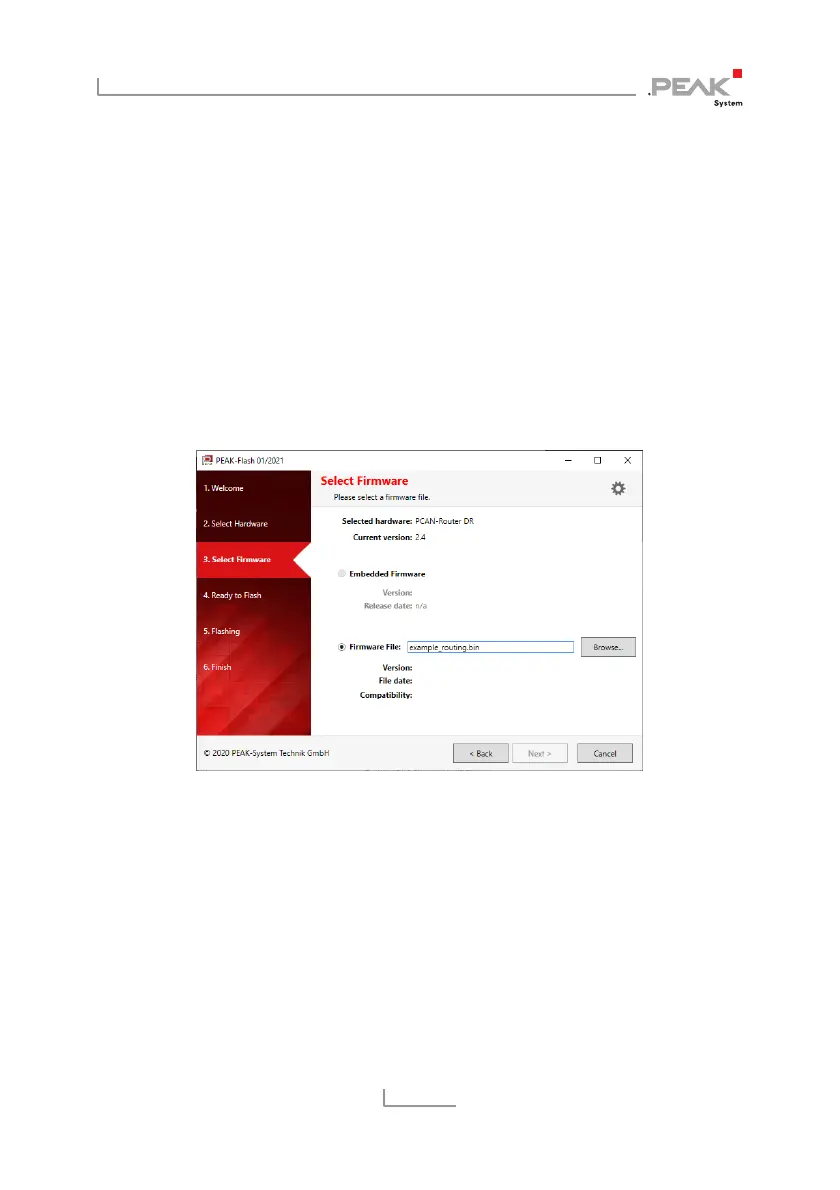
11. Select the Firmware file radio button and click the Browse
button.
12. Select a firmware file (*.bin) in the file explorer and open
it.
13. Click Next.
The Ready to Flash dialog appears.
14. Click Start to transfer the new firmware to the PCAN-Router DR.
The Flashing dialog appears.
15. After the process is complete, click Next.
16. You can exit the program.
17. Turn the rotary switch back to the initial position (e.g. 0).


 To Next Page
 Loading...