Shenzhen Pecron Technology Co.,Ltd
POWER IT POSSIBLE
Shenzhen Pecron Technology Co.,Ltd http://www.pecron.com Tel:0755-28601668
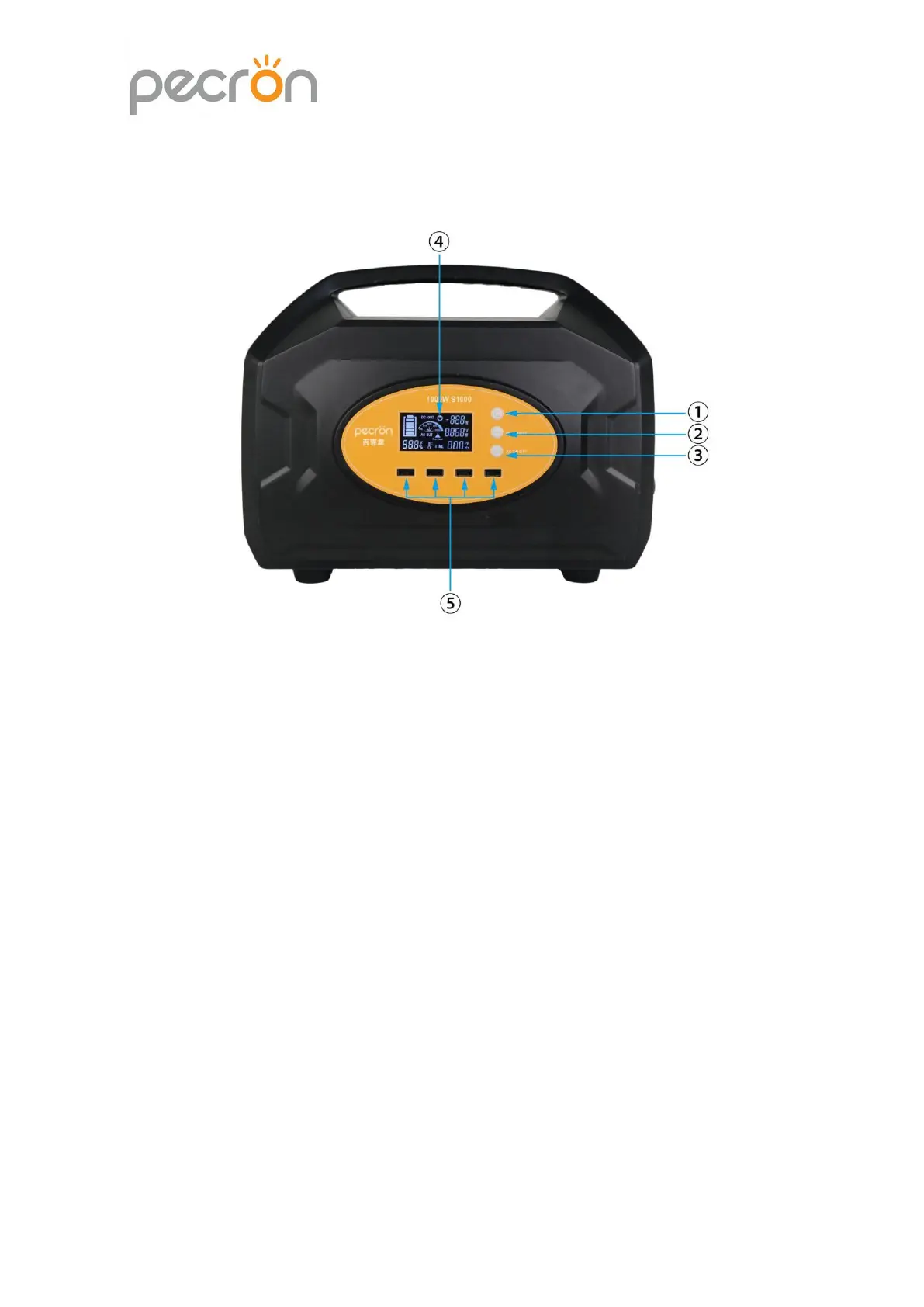
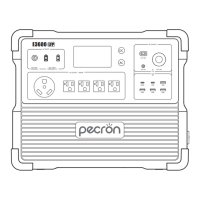
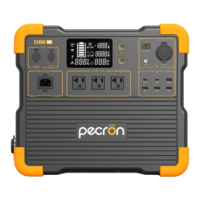
2. Panel Function Description:
①Power Switch:Lightly press the power switch to initialize the dynamic
percentage display,the full screen will light up and resume normal after 1 second.
At the same time,the brightness of the LCD will be 100%.At this time,the power
station is on,lightly press the power switch again,the brightness of LCD will change
to 50%(Lightly press the power switch to adjust the LCD brightness after it is
on),and then press and hold the switch for 1 second to shut down and enter sleep
mode.


 To Next Page