22
IPMIP Motherboard Reference Guide
8 BIOS Setup reference
BIOS setup program
When the computer rst starts up (before entering Windows), press and hold the
<Del> key to enter the BIOS setup program. (Press <Ctrl+Alt+Delete> to restart if
you missed the opportunity.)
NOTE: Default BIOS settings apply for most conditions to ensure optimum
performance. If this system becomes unstable after changing any BIOS
settings, load the default settings to ensure system compatibility and
stability. Find the load default options under the Exit Menu.
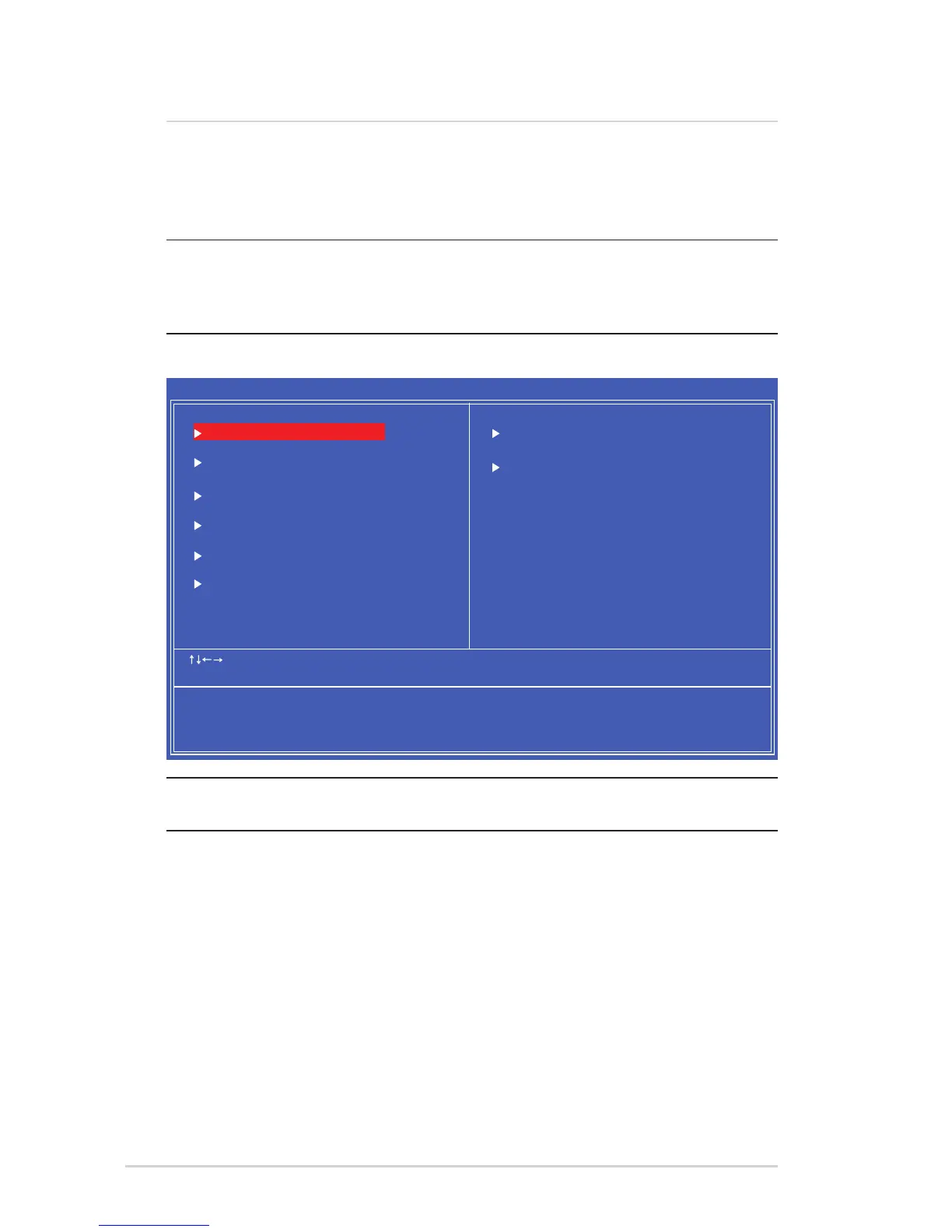
Main BIOS Screen
The BIOS setup screens shown in this section are for reference purposes
only, and may not exactly match what you see on your screen.
΄ΥΒΟΕΒΣΕͳͺ΄ͷΖΒΥΦΣΖΤ
ͲΕΧΒΟΔΖΕͳͺ΄ͷΖΒΥΦΣΖΤ
ͲΕΧΒΟΔΖΕʹΙΚΡΤΖΥͷΖΒΥΦΣΖΤ
ʹΠΟΗΚΘΦΣΖ΅ΚΞΖΒΟΕ͵ΒΥΖ ͵ΚΤΡΝΒΪ΄ΪΤΥΖΞͺΟΗΠΣΞΒΥΚΠΟ
ΧʹʹΠΡΪΣΚΘΙΥͲΞΖΣΚΔΒΟ;ΖΘΒΥΣΖΟΕΤͺΟΔ
ͳΠΠΥʹΠΟΗΚΘΦΣΒΥΚΠΟͷΖΒΥΦΣΖΤ
ΠΨΖΣ;ΒΟΒΘΖΞΖΟΥͷΖΒΥΦΣΖΤ
ΟʹͺʹΠΟΗΚΘΦΣΒΥΚΠΟΤ
ͳͺ΄΄ΖΔΦΣΚΥΪͷΖΒΥΦΣΖΤ
ʹΖΒΝΥΙ΄ΥΒΥΦΤ
ͽΠΒΕͷΒΚΝΤΒΗΖ͵ΖΗΒΦΝΥΤ
ͽΠΒΕΡΥΚΞΚΫΖΕ͵ΖΗΒΦΝΥΤ
΄ΒΧΖͶΩΚΥ΄ΖΥΦΡ
ͶΩΚΥΈΚΥΙΠΦΥ΄ΒΧΚΟΘ
ʹ;΄΄ΖΥΦΡΆΥΚΝΚΥΪʹΠΡΪΣΚΘΙΥʹͲΞΖΣΚΔΒΟ;ΖΘΒΥΣΖΟΕΤͺΟΔ
˦˨˥
;ΠΧΖ
ͷͷΒΚΝ΄ΒΗΖ͵ΖΗΒΦΝΥΤ ͷΡΥΚΞΚΫΖΕ͵ΖΗΒΦΝΥΤ
·ΒΝΦΖͶΟΥΖΣ΄ΖΝΖΔΥͷ΄ΒΧΖͶ΄ʹͶΩΚΥͷΖΟΖΣΒΝΖΝΡ
˥



 To Next Page