36
IPMIP Motherboard Reference Guide
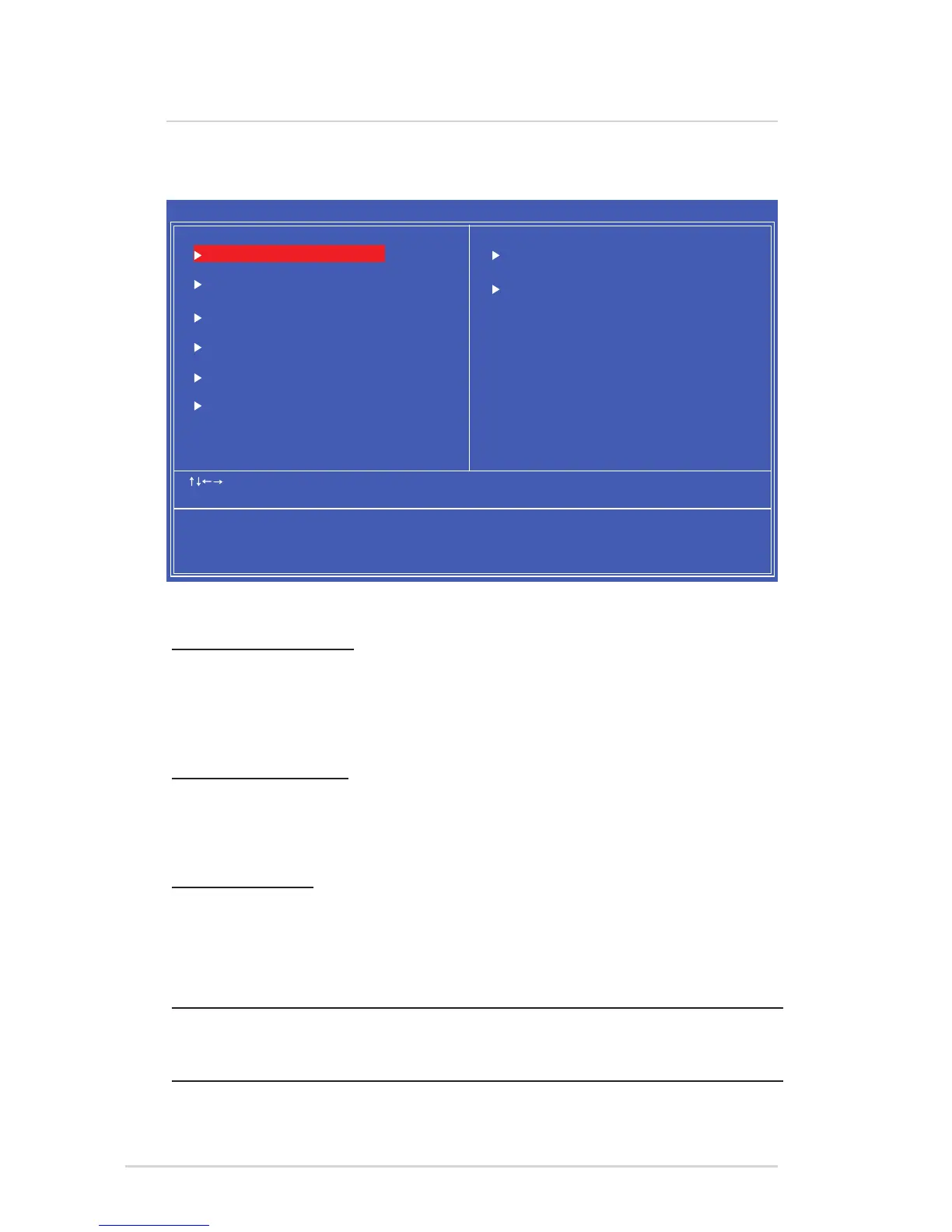
The main menu allows you to exit the BIOS menu in different ways.
Load Fail‑safe Defaults
This option restores BIOS elds to a fail-safe factory defaults that work with all
hardware but run the system at reduced performance. When you select this option,
a conrmation window appears. Select Y to load defaults. Make sure you save
changes before exiting.
Load Optimal Defaults
This option restores BIOS elds to their factory defaults to run the system at
“optimal performance”. When you select this option, a conrmation window
appears. Select Y to load defaults. Make sure you save changes before exiting.
Save & Exit Setup
Once you are nished making your selections, choose this option from the Exit
menu to ensure the values you selected are saved to the CMOS RAM. An onboard
backup battery sustains the CMOS RAM so it stays on even when the PC is turned
off. When you select this option, a conrmation window appears. Select Ok to save
changes and exit.
NOTE: If you attempt to exit the Setup program without saving your
changes, the program prompts you with a message asking if you want to
save your changes before exiting. Press <Enter> to save the changes.
Exiting
8 BIOS Setup reference
Main BIOS Screen
΄ΥΒΟΕΒΣΕͳͺ΄ͷΖΒΥΦΣΖΤ
ͲΕΧΒΟΔΖΕͳͺ΄ͷΖΒΥΦΣΖΤ
ͲΕΧΒΟΔΖΕʹΙΚΡΤΖΥͷΖΒΥΦΣΖΤ
ʹΠΟΗΚΘΦΣΖ΅ΚΞΖΒΟΕ͵ΒΥΖ ͵ΚΤΡΝΒΪ΄ΪΤΥΖΞͺΟΗΠΣΞΒΥΚΠΟ
ΧʹʹΠΡΪΣΚΘΙΥͲΞΖΣΚΔΒΟ;ΖΘΒΥΣΖΟΕΤͺΟΔ
ͳΠΠΥʹΠΟΗΚΘΦΣΒΥΚΠΟͷΖΒΥΦΣΖΤ
ΠΨΖΣ;ΒΟΒΘΖΞΖΟΥͷΖΒΥΦΣΖΤ
ΟʹͺʹΠΟΗΚΘΦΣΒΥΚΠΟΤ
ͳͺ΄΄ΖΔΦΣΚΥΪͷΖΒΥΦΣΖΤ
ʹΖΒΝΥΙ΄ΥΒΥΦΤ
ͽΠΒΕͷΒΚΝΤΒΗΖ͵ΖΗΒΦΝΥΤ
ͽΠΒΕΡΥΚΞΚΫΖΕ͵ΖΗΒΦΝΥΤ
΄ΒΧΖͶΩΚΥ΄ΖΥΦΡ
ͶΩΚΥΈΚΥΙΠΦΥ΄ΒΧΚΟΘ
ʹ;΄΄ΖΥΦΡΆΥΚΝΚΥΪʹΠΡΪΣΚΘΙΥʹͲΞΖΣΚΔΒΟ;ΖΘΒΥΣΖΟΕΤͺΟΔ
˦˨˥
;ΠΧΖ
ͷͷΒΚΝ΄ΒΗΖ͵ΖΗΒΦΝΥΤ ͷΡΥΚΞΚΫΖΕ͵ΖΗΒΦΝΥΤ
·ΒΝΦΖͶΟΥΖΣ΄ΖΝΖΔΥͷ΄ΒΧΖͶ΄ʹͶΩΚΥͷΖΟΖΣΒΝΖΝΡ
˥



 To Next Page