5.4 Electrical Supply
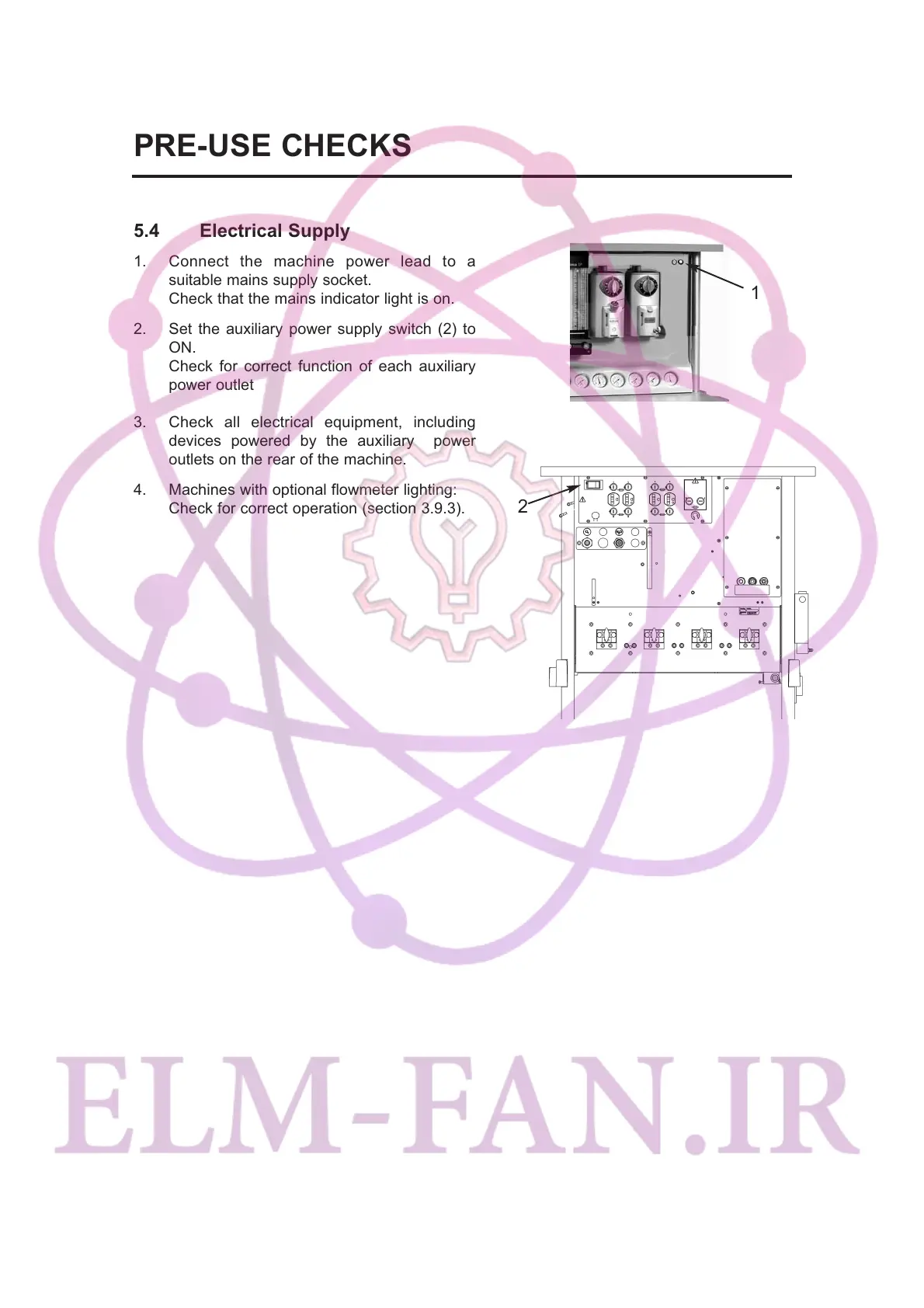
1. Connect the machine power lead to a
suitable mains supply socket.
Check that the mains indicator light is on.
2. Set the auxiliary power supply switch (2) to
ON.
Check for correct function of each auxiliary
power outlet
3. Check all electrical equipment, including
devices powered by the auxiliary power
outlets on the rear of the machine.
4. Machines with optional flowmeter lighting:
Check for correct operation (section 3.9.3).
24
PRE-USE CHECKS
2
1


 To Next Page