141
Shooting Functions
4
You can save pictures with three different levels of White Balance,
Saturation, Hue, High/Low Key Adjustment, Contrast and Sharpness.
Unlike Exposure Bracketing, three pictures are saved each time the
shutter is released.
1
Select [Extended Bracketing] in the [A Rec. Mode 2]
menu and press the four-way controller (5).
The [Extended Bracketing] screen appears.
2
Press the four-way controller (5).
3
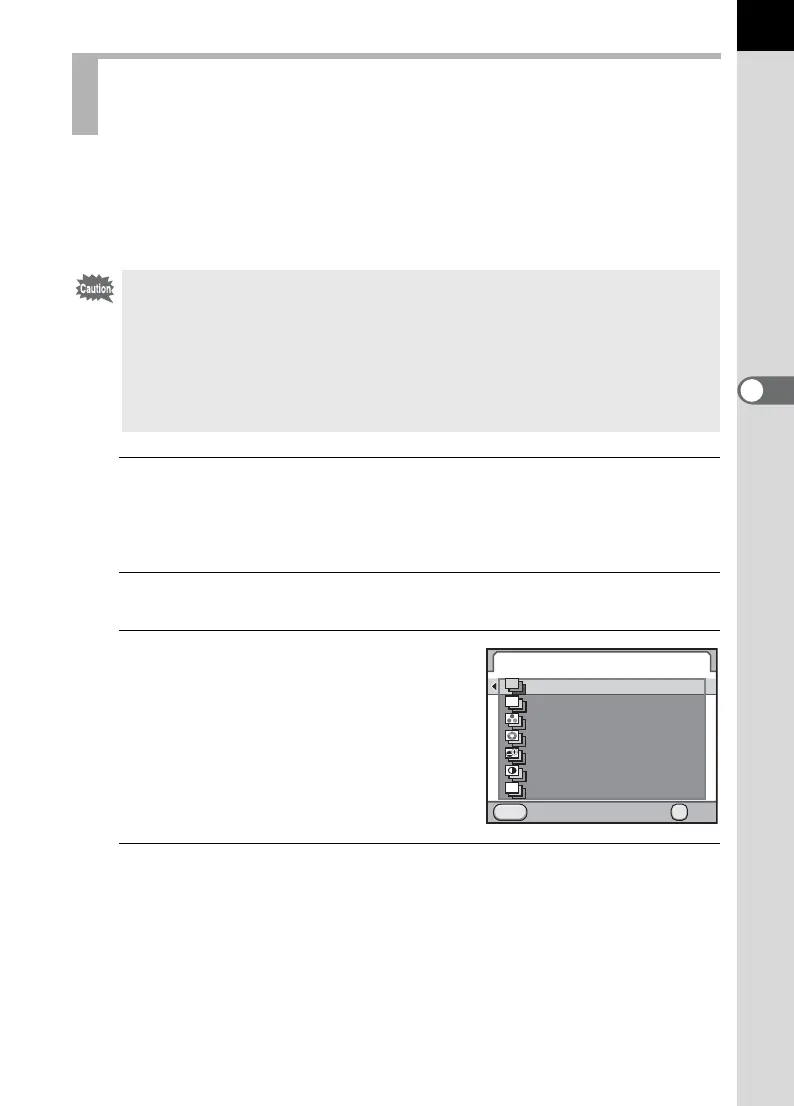
Use the four-way controller (23)
to select an item and press the
4 button.
4
Use the four-way controller (23) to select [Bracketing
Amount] and press the four-way controller (5).
Shooting while Adjusting Other Settings
(Extended Bracketing)
• When Extended Bracketing is set, the file format is always set to [JPEG] and
cannot be changed. You cannot use Extended Bracketing when the file
format is set to [RAW] or [RAW+].
• When Extended Bracketing is set, the following functions are not available.
• Interval Shooting or Multi-exposure
• Cross Processing, Digital Filter or HDR Capture (The function selected last
is used)
Extended Bracketing
Cancel OK
OK
MENU
White Balance
Saturation
Hue
High/Low Key Adj
Sharpness
Contrast
WB
OFF
Off
S



 To Next Page