308
Appendix
11
3
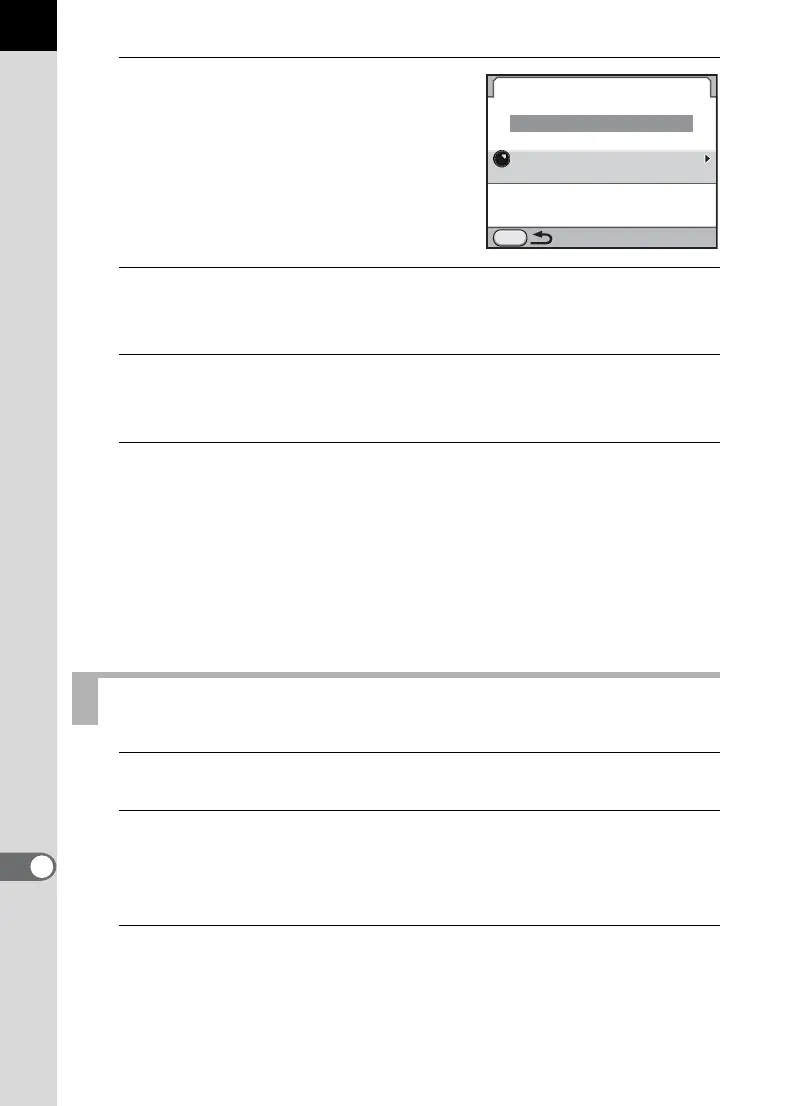
Use the four-way controller (23)
to select [Select Destination] and
press the four-way controller
(5).
The destination selection screen
appears.
4
Use the four-way controller (23) to select a destination.
Turn the rear e-dial (S) to switch between pages.
5
Press the 4 button.
The screen that was displayed in Step 3 appears again.
6
Use the four-way controller (23) to select [Navigation
Start] and press the 4 button.
The current latitude, longitude, altitude, direction of the destination,
distance to the destination, and Coordinated Universal Time (UTC) are
displayed.
Press the shutter release button halfway to switch the camera to Capture
mode.
1
Set the mode dial to p.
2
Select [GPS] in the [A Rec. Mode 4] menu and press the
four-way controller (5).
The [GPS] screen appears.
3
Select [ASTROTRACER (Bulb)] and press the four-way
controller (5).
The [ASTROTRACER (Bulb)] screen appears.
Shooting Celestial Bodies (ASTROTRACER)
MENU
NewYork
Destination Manager
Select Destination
Simple Navigation
Navigation Start



 To Next Page