164
Playback Functions
7
3
Turn the e-dial to the right
(towards y) or press the 4
button.
A full screen display of the selected
image appears.
1
In the multi-image display
screen, press the { button.
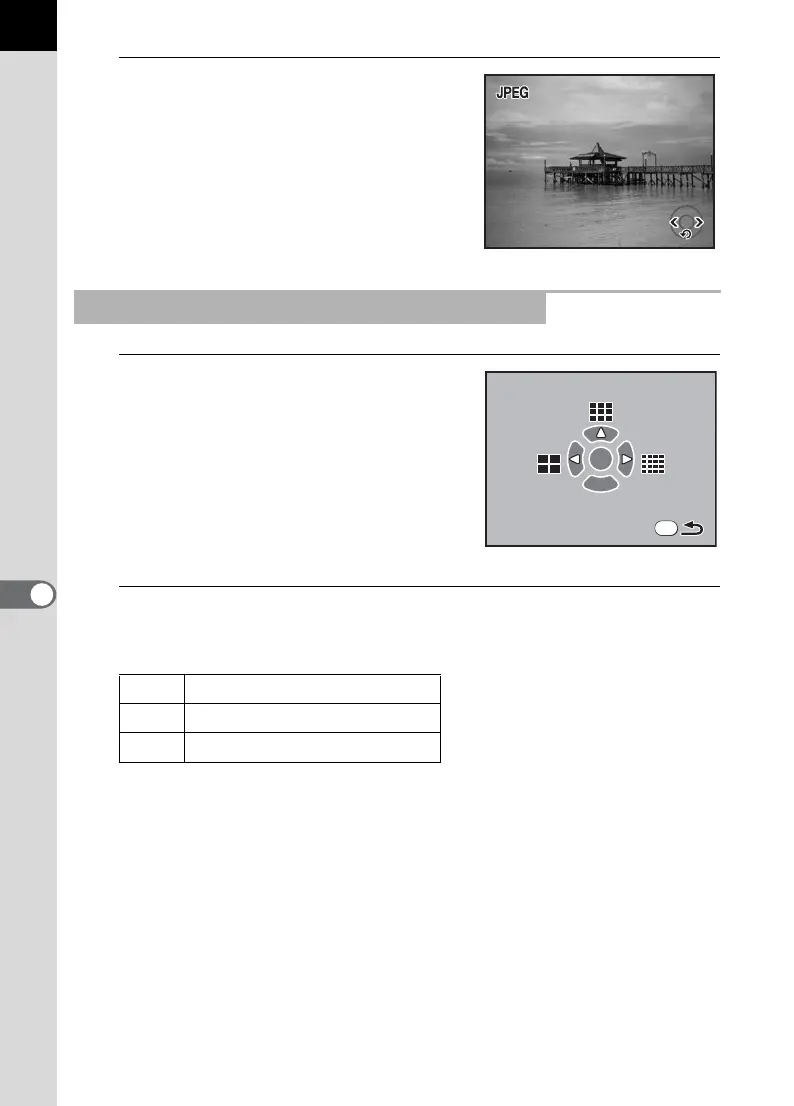
The multi-image options screen appears.
2
Use the four-way controller (425) to select the number
of images to display at once.
The camera returns to the multi-image display screen.
Selecting the Number of Images to Display
4 4 images
2 9 images
5 16 images
100-0046
100-0046
1/2000
F5.6
1/2000
F5.6
OK
Fn



 To Next Page