174
Playback Functions
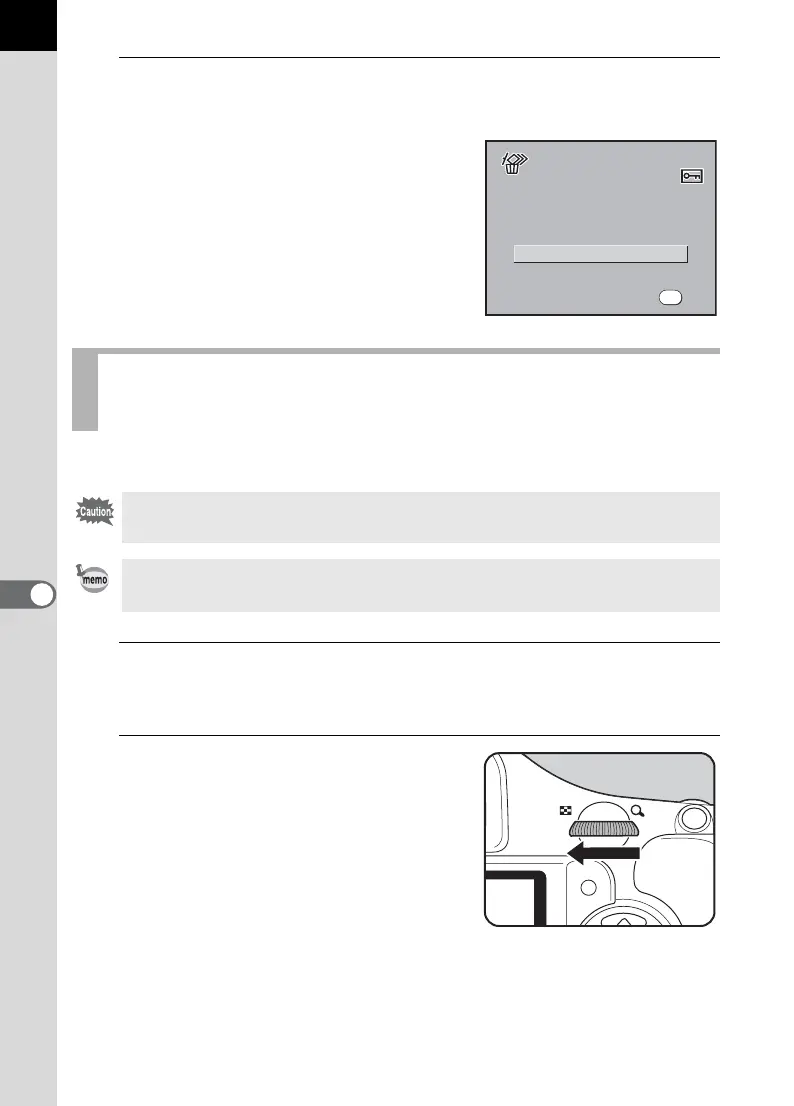
7
4
Press the 4 button.
All images are deleted.
A confirmation screen appears when
there are protected images. Press the
four-way controller (23) to select
[Delete All] or [Leave All] and press the
4 button.
You can delete multiple images from the multi-image display at once.
1
Press the Q button.
The single-image playback screen appears.
2
Turn the e-dial to the left (toward
f).
Deleting Selected Images (from Multi-image
Display)
Deleted images cannot be restored.
• Protected images cannot be deleted.
• You can select up to 100 images at a time.
Delete All
Leave All
3 image(s)
Protected images are found
P r ot e c t e d i m a g e s a r e fo u n d
Leave All
3 image(s)
Protected images are found
OK
OK
OK



 To Next Page