183
Processing Images
8
3
Press the four-way controller
(4).
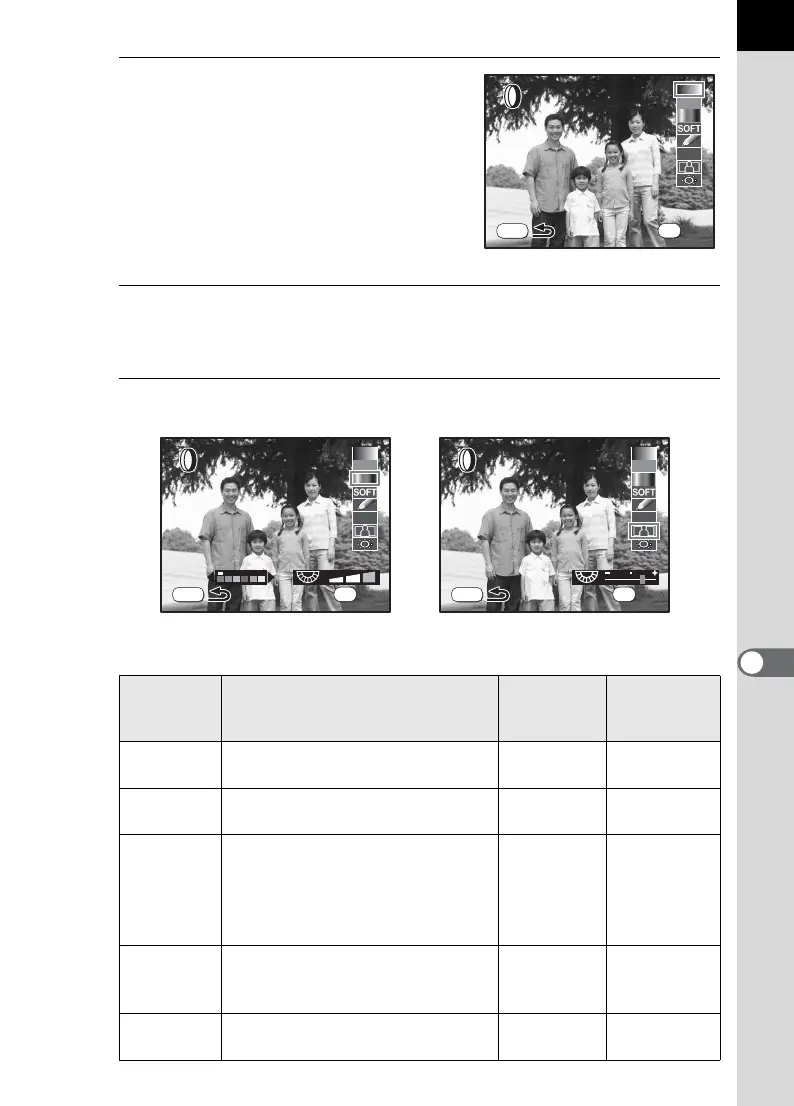
The screen for selecting the filter
appears.
4
Use the four-way controller (23) to select a filter.
Select a filter and preview the effects on the screen.
5
Adjust with e-dial and the four-way controller (45).
Filter name Function e-dial
Four-way
controller
45
B&W
Converts to a black and white
image.
——
Sepia
Adds a vintage touch to photos by
converting them to sepia color.
——
Color
Adds a color filter to the image.
Select from 18 filters (6 colors × 3
tones).
Density of
each color
(3 levels)
Red/
Magenta/
Cyan/Blue/
Green/
Yellow/
Soft
Creates a soft image by lightly
fading the entire image. Select
from three levels.
Soft level
(3 levels)
—
Illustration
Creates an image that looks as
though it was drawn with a pencil.
——
B&W
B&W
MENU
HDR
OK
OK
OK
MENU
Color
Color
HDR
OK
OK
OK
Slim
Slim
MENU
HDR
OK
OK
OK
Color Filter Slim Filter



 To Next Page